 Identity Card
 National Identity Document
 Citizenship ID
 Unique Identity Document
 Personal Identification Document
 Unique Population Registry Code
 Personal Identity Card
 Civil Identity Card
 Identity and Electoral Card
 Check Plate Colombia
 Check Plate Peru
 Check Plate Mexico
 Check Plate Argentina
 Check Plate Chile
 Check Plate USA
 Check Plate Brazil


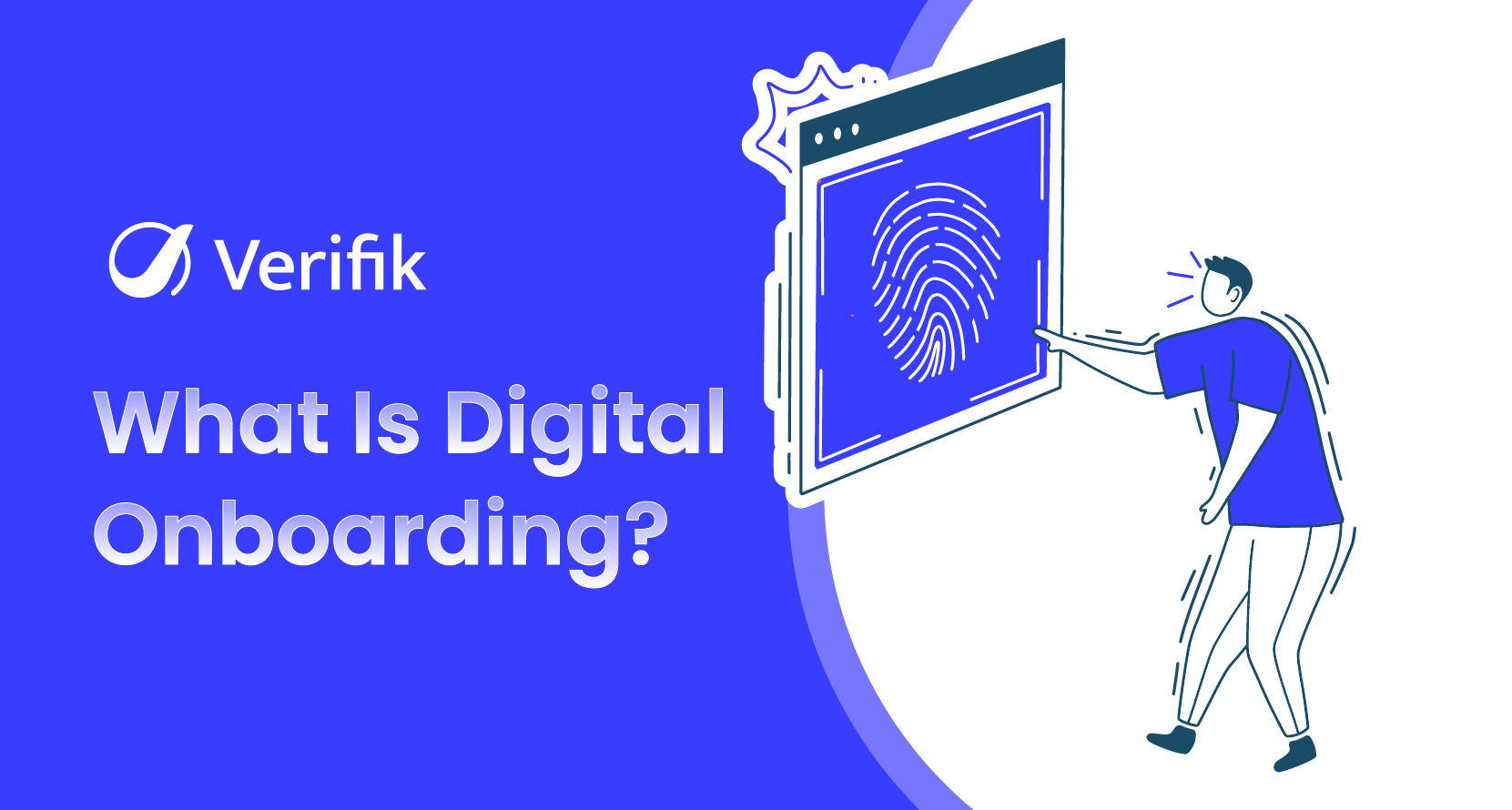
Digital onboarding is how a business turns a stranger into a verified customer without a branch visit: the applicant fills a short form, photographs an ID, takes a selfie, and the system checks all of it against official sources before opening the account. This guide covers the process step by step, the technology behind each step, the rules that shape it in 2026, and the API calls you need to build it. Updated November 2026.
What digital onboarding means for customer accounts (not HR)
Search results for “digital onboarding” mix two ideas. In HR it means welcoming a new employee with online paperwork. For banks, fintechs, insurers, telcos, marketplaces and gaming operators it means remote customer onboarding: collecting the minimum data, proving the person is real and is who they claim to be, screening them for risk, and activating the account, usually in minutes. This article is about the second meaning.
Customer onboarding overlaps with eKYC but is wider. eKYC is the regulated identity check inside the journey; onboarding also includes the sign-up form, consents, contact verification, account setup and the first-use experience. If you are deciding which one you need, read eKYC vs digital onboarding.
To follow this guide with your own integration, open a Verifik account and generate your access token.
Why remote onboarding still loses customers in 2026
The cost of a bad flow is measurable. In Signicat’s Battle to Onboard 2026 survey of 4,050 consumers in nine European countries, 60% said they had abandoned an online financial application in the past year (down from 68% in 2022). The top reasons were requests for too much personal information (20%), verification taking too long (17%) and being forced to finish a step offline (13%) (Signicat via Cybersecurity Insiders). On the institutional side, Fenergo’s 2025 survey of 600 financial institutions found that 70% had lost clients to slow or inefficient onboarding (Fenergo).
Fraud pressure moves in the opposite direction. Entrust’s 2026 Identity Fraud Report links deepfakes to about one in five biometric fraud attempts and reports injection attacks up roughly 40% year over year (Entrust). A good onboarding flow has to be faster for real customers and harder for synthetic ones at the same time.
The digital onboarding process step by step
Almost every regulated onboarding flow follows the same seven steps. What changes by industry and country is how strict each step is and which official sources you check.
| Step | What happens | Verifik API |
|---|---|---|
| 1. Start the application | Collect only email or phone, name and consent. Create a session the user can resume. | POST /v2/app-registrations (docs) |
| 2. Verify contact details | Send a one-time code by SMS or WhatsApp to prove the phone belongs to the applicant. | POST /v2/phone-validations/manual or app-registration validations (docs) |
| 3. Capture and read the ID | Photograph the document; OCR extracts number, names and dates and normalises them. | POST /v3/ocr/scan-studio (docs) |
| 4. Liveness and face match | Confirm a live person (not a photo, screen or mask) and match the selfie to the ID portrait. | POST /v2/face-recognition/compare-with-liveness (docs) |
| 5. Check official sources | Validate the ID number and names against the issuing registry (20 countries supported). | Country identity endpoints (guide) |
| 6. Screen for risk | Sanctions, PEP and background lists; duplicate-face search across your own users. | GET /v2/ofac, POST /v2/face-recognition/persons/search-live-face |
| 7. Decide and activate | Auto-approve low risk, step up or route exceptions to a human, then activate. | Your rules engine + signed evidence IDs |
Step 1: start with the smallest possible form
Ask only for what you need to open the session: email or phone, a name, and consent to process data. Every extra field costs completions. Create the session server-side so the user can leave and resume later from a link instead of starting over.
curl -X POST "https://api.verifik.co/v2/app-registrations" \
  -H "Content-Type: application/json" \
  -H "Authorization: Bearer $VERIFIK_TOKEN" \
  -d '{
    "project": "<PROJECT_ID>",
    "projectFlow": "<PROJECT_FLOW_ID>",
    "email": "[email protected]",
    "phone": "3001234567",
    "countryCode": "+57",
    "fullName": "Ana Gómez"
  }'
The response returns an appRegistration object with status STARTED and a token that is valid for 120 minutes. You use that token for the email, phone, document and biometric validations of the same applicant. To resume an abandoned enrollment, call POST /v2/app-registrations/{id}/resend-link rather than creating a new registration, which would return 409:email_is_registered_already (App Registrations).
{
  "data": {
    "appRegistration": {
      "_id": "674de8df21c72be3cc42b8a7",
      "project": "507f1f77bcf86cd799439011",
      "projectFlow": "507f1f77bcf86cd799439015",
      "status": "STARTED",
      "currentStep": "1",
      "language": "en"
    },
    "informationValidation": { "fullName": "Ana Gómez" },
    "token": "eyJhbGciOiJIUzI1NiIsInR5cCI6IkpXVCJ9..."
  }
}
Step 2: prove the phone or email
An OTP proves control of the contact channel and catches mistyped numbers before they become support tickets. Send it by WhatsApp where users prefer it and fall back to SMS. Details and rate-limit advice are in OTP verification for onboarding.
curl -X POST "https://api.verifik.co/v2/phone-validations/manual" \
  -H "Content-Type: application/json" \
  -H "Authorization: Bearer $VERIFIK_TOKEN" \
  -d '{ "phone": "3001234567", "countryCode": "+57", "phoneGateway": "whatsapp", "title": "Verifik", "language": "en" }'
Step 3: read the ID with OCR, then check it
OCR turns a photo into structured fields so the user does not type them. Scan Studio v3 supports documents such as the Colombian CC, RUT, PA (passport), DNI and Venezuelan CCVE, and returns normalised values with confidence scores. Note that Scan Studio v2 is deprecated and will be removed on 25 November 2026, so new integrations should start on v3. See OCR document verification for capture tips.
curl -X POST "https://api.verifik.co/v3/ocr/scan-studio" \
  -H "Content-Type: application/json" \
  -H "Authorization: Bearer $VERIFIK_TOKEN" \
  -d '{ "image": "<base64 or https URL of the ID front>", "documentType": "CC" }'
Step 4: liveness plus a 1:1 face match
The selfie step answers two questions: is this a live person, and is it the same person as on the ID? Verifik’s liveness uses presentation attack detection that is iBeta Level 2 certified and aligned with ISO 30107 Levels 1 and 2. The sequential endpoint compares first and runs liveness only if the match passes, which saves a call on obvious mismatches.
curl -X POST "https://api.verifik.co/v2/face-recognition/compare-with-liveness" \
  -H "Content-Type: application/json" \
  -H "Authorization: Bearer $VERIFIK_TOKEN" \
  -d '{
    "probe": "<base64 live selfie>",
    "gallery": ["<base64 portrait cropped from the ID>"],
    "search_mode": "ACCURATE",
    "compare_min_score": 0.85,
    "liveness_min_score": 0.6
  }'
Capture quality drives your pass rate more than the threshold does: the face box must be at least 224×224 pixels with 80 pixels between the pupils, 25 pixels of padding and no more than ±30° of pitch or yaw (face image requirements). Show those hints in the camera UI.
Steps 5 and 6: official sources and screening
A good-looking document is not proof. Check the number and names against the issuing authority, then screen against sanctions and watchlists. For Colombia, the Colombia KYC API guide lists ten checks (Registraduría, police, Procuraduría, Contraloría, RUNT and more). The OFAC check takes a document or a full name:
curl -G "https://api.verifik.co/v2/ofac" \
  -H "Accept: application/json" \
  -H "Authorization: Bearer $VERIFIK_TOKEN" \
  --data-urlencode "documentType=CC" \
  --data-urlencode "documentNumber=80251972"
Step 7: decide with rules, not gut feel
Write the decision as code: approve when every check passes, step up (for example, a second document or a video call) when one signal is weak, and route to a human only the cases that need judgment. Store the signed evidence ID of every call so an auditor can replay the decision.
Technologies behind each onboarding step
- OCR and document classification: reads the visual zone, MRZ or barcode and normalises names and dates.
- Face matching (1:1): scores the similarity between the selfie and the ID portrait; Verifik’s
compareaccepts thresholds from 0.67 to 0.95 (default 0.85) (docs). - Liveness / PAD: rejects printed photos, screen replays and masks; default pass threshold 0.6 (docs).
- 1:N face search: finds the same face already enrolled under another name, the main defence against repeat fraudsters and multi-accounting.
- Registry and list checks: government identity sources, sanctions, PEP and court records.
- OTP and device signals: confirm control of the phone or email and flag emulators or unusual locations.
Benefits of digital onboarding over branch or paper processes
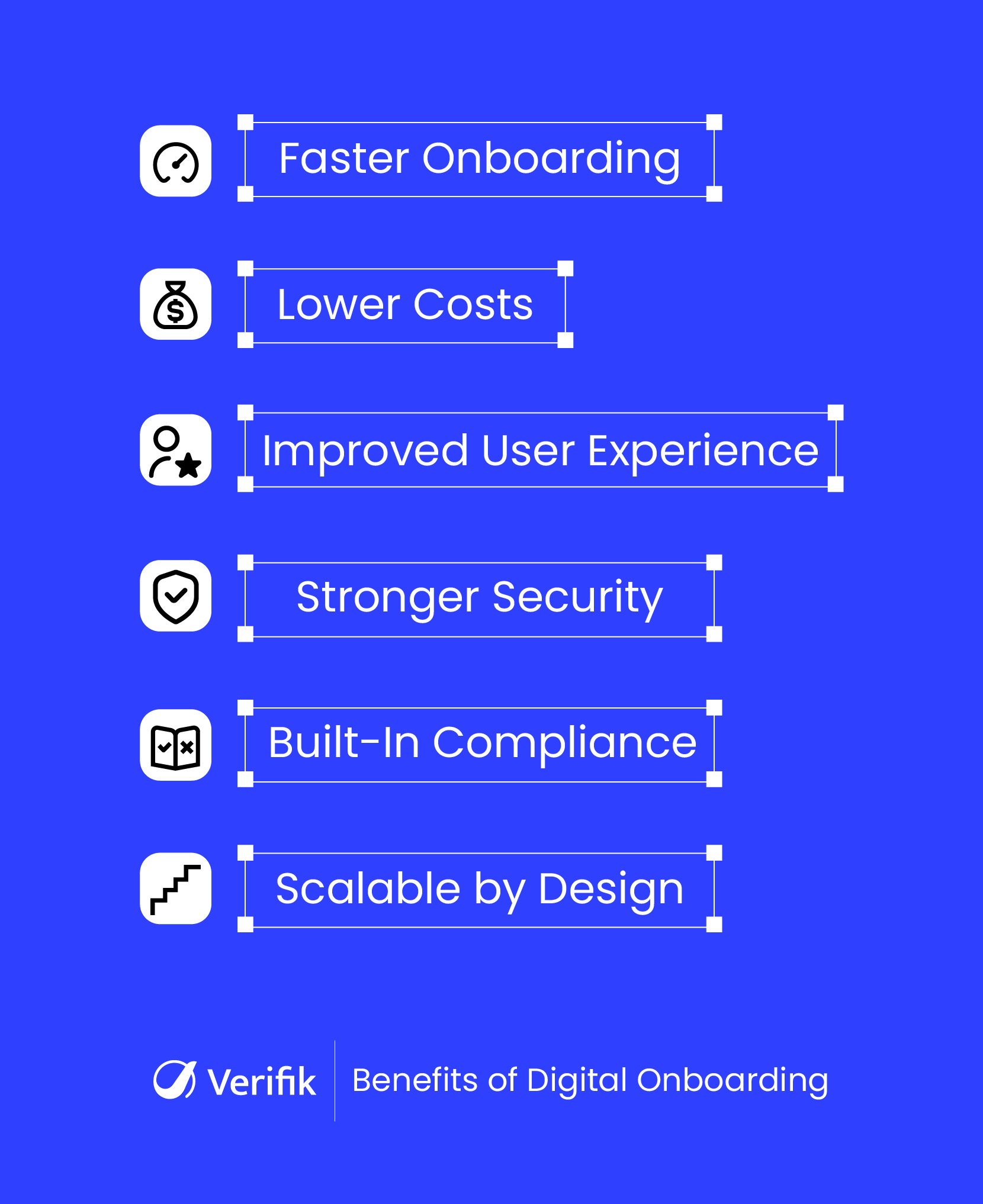
| Branch or paper onboarding | Digital onboarding | |
|---|---|---|
| Time to open an account | Days, often with a second visit | Minutes for low-risk applicants |
| Data accuracy | Manual typing and transcription errors | OCR plus registry checks |
| Fraud controls | Visual inspection of a document | Liveness, face match, 1:N search, list screening |
| Audit trail | Photocopies and signatures | Signed, time-stamped evidence for every check |
| Cost to scale | More staff and branches | API calls; human review only for exceptions |
| Reach | Limited to branch hours and locations | Any phone, 24/7 |
Traditional onboarding still has a role for customers who cannot complete biometrics, for complex corporate clients and where the law requires presence. The best programmes keep an assisted channel as a fallback rather than as the default.
Rules that shape onboarding in Latin America in 2026
- Colombia: Superfinanciera’s Circular Externa 006 de 2025 sets minimums for biometric verification in non-face-to-face channels, including a second factor, liveness, use of the Registraduría or authorised operators and alternatives for people who cannot use biometrics (SFC Boletín Jurídico 119). Ley 2573 de 2026 adds identity-verification and anti-impersonation duties for telcos, lenders and merchants from 19 November 2026 (Law 2573 overview).
- Mexico: the CNBV resolution published in the DOF on 1 July 2026 requires banks to verify customers biometrically against INE or SRE records, with 90 business days to comply (DOF).
- Everywhere: AML rules require a risk-based approach, so simplified due diligence for low-risk products and enhanced checks for high-risk ones. See eKYC compliance requirements.
Digital onboarding use cases by industry
| Industry | Typical flow | Extra checks |
|---|---|---|
| Banks and neobanks | ID + selfie + registry + lists | Second factor (Colombia), INE biometric check (Mexico) |
| Lending and BNPL | ID + selfie + registry | 1:N face search to stop repeat applicants, income or employment data |
| Crypto and payments | ID + selfie + sanctions | Ongoing screening and wallet risk |
| Telecom | ID + selfie at SIM activation | Anti-impersonation duties under Colombia’s Ley 2573 |
| Gaming and betting | Age and identity check | Self-exclusion lists, duplicate accounts |
| Mobility and delivery platforms | Driver ID + selfie + background | Driving licence and vehicle checks |
For a bank-specific walkthrough see eKYC for banks.
How to measure an onboarding funnel
- Completion rate by step: find the step where people leave; it is usually document capture or selfie.
- Time to decision: median and 95th percentile, separated by auto-approved vs reviewed cases.
- Straight-through rate: share approved without a human.
- False reject rate: real customers rejected or sent to review; sample them weekly.
- Fraud caught and fraud missed: chargebacks and account takeovers traced back to onboarding.
The digital onboarding best practices guide turns these metrics into concrete fixes, and identity verification in digital onboarding covers the fraud patterns each step defends against.
Build digital onboarding with smartENROLL
smartENROLL packages the steps above into a hosted or API-driven flow: contact OTP, document OCR, liveness, face match, registry checks and screening, with a signed evidence record for every applicant. You can start with the hosted flow and move individual steps to your own UI through the API when you need more control. Book a demo to see it configured for your country and risk policy.