 Identity Card
 National Identity Document
 Citizenship ID
 Unique Identity Document
 Personal Identification Document
 Unique Population Registry Code
 Personal Identity Card
 Civil Identity Card
 Identity and Electoral Card
 Check Plate Colombia
 Check Plate Peru
 Check Plate Mexico
 Check Plate Argentina
 Check Plate Chile
 Check Plate USA
 Check Plate Brazil



Identity verification is the part of digital onboarding that proves an applicant is a real, live person who owns the document they present and is not on a sanctions list. This guide explains the methods, the fraud each one stops, how to wire them into a sign-up flow with Verifik’s API, and a checklist for a fraud-resistant launch. Updated November 2026.
What identity verification means in digital customer onboarding
In a branch, an employee looks at an ID and at the person holding it. Online, software has to do the same work with three questions: Is the document genuine and are its data correct? Is the person in front of the camera alive and the same person on the document? Is that identity allowed to become a customer, given sanctions, watchlists and your own fraud history? Every method below answers one of those questions.
You can try what this identity verification in digital onboarding guide covers in your own account: create a Verifik account.
Why onboarding is the main target for identity fraud in 2026
Onboarding is where a fraudster gets a new account, credit line or SIM card, so it attracts the most sophisticated attacks. Entrust’s 2026 Identity Fraud Report links deepfakes to about one in five biometric fraud attempts, says deepfaked selfies rose 58% in 2025 and puts injection attacks up about 40% year over year (Entrust). In Latin America, Unico and Liminal’s 2026 analysis of attacks between June 2025 and April 2026 found that sophisticated attacks combining deepfakes, injection and physical artefacts made up 23.3% of attempts overall and close to half in the region (Unico).
Most common types of identity fraud in digital onboarding
| Fraud type | How it works | Check that stops it |
|---|---|---|
| Stolen identity | Real person’s data and ID photo used by someone else | Liveness + 1:1 face match to the ID portrait |
| Synthetic identity | Real ID number combined with a fake name, photo or address | Registry validation of number and name together |
| Forged or altered documents | Edited photo, number or dates on a real template | Document checks + registry validation |
| Presentation attacks | Printed photo, screen replay or mask in front of the camera | Passive liveness (PAD) |
| Deepfakes and injection | Synthetic video fed into the app, bypassing the camera | Liveness plus injection-attack detection and device integrity |
| Multi-accounting | Same person opens many accounts with different documents | 1:N face search across your enrolled users |
| Money mules and sanctioned persons | Genuine identity used to move illicit funds | Sanctions, PEP and watchlist screening |
| Account takeover after onboarding | Attacker changes the phone or email on an existing account | Face re-authentication against the enrolled template |
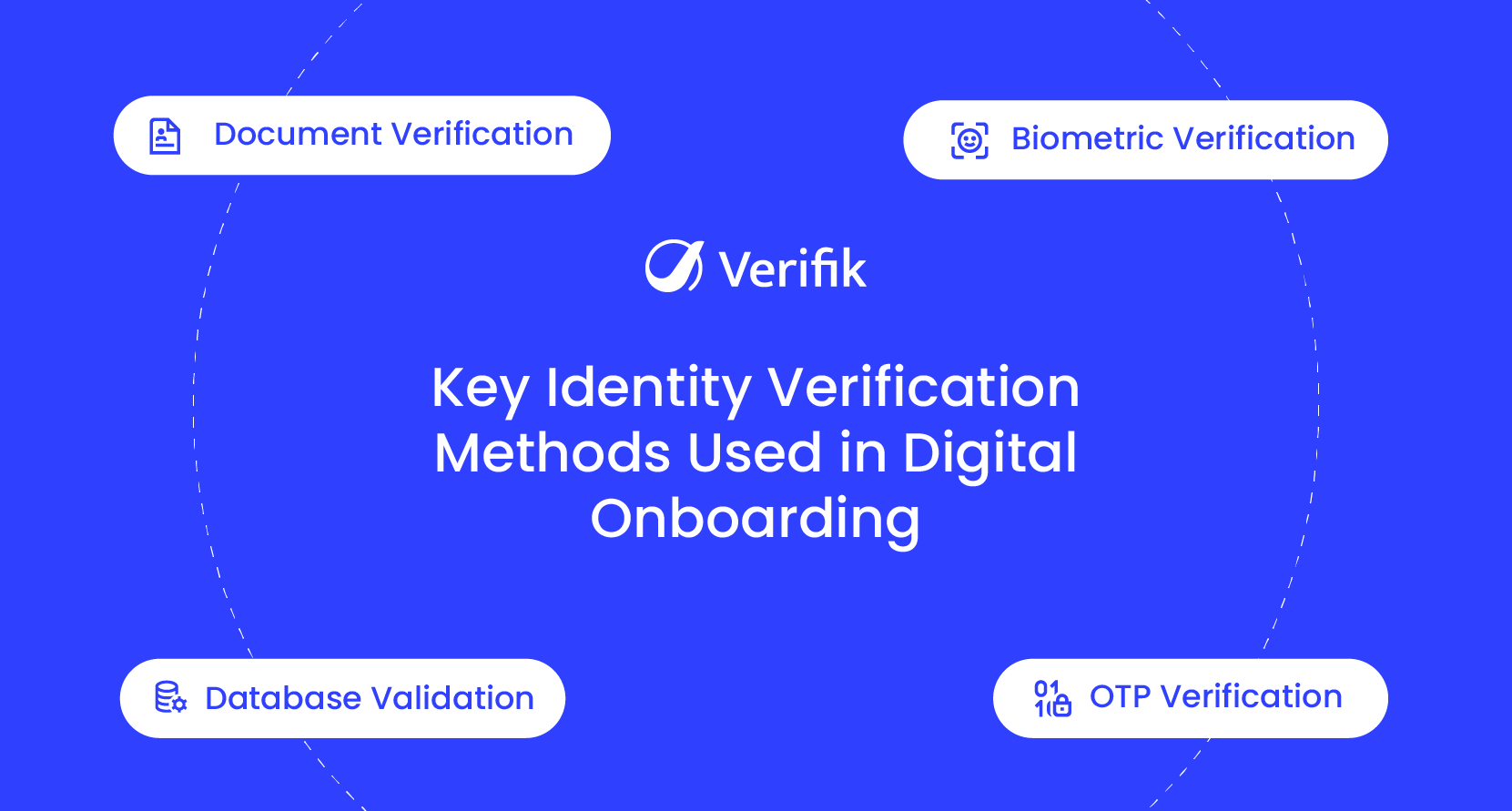
Identity verification methods used in onboarding
Document verification and OCR
The user photographs their ID; OCR extracts the fields and checks the format, dates and check digits. Scan Studio v3 (POST /v3/ocr/scan-studio) reads documents such as Colombia’s CC and RUT, passports (PA), DNI and Venezuela’s CCVE; v2 is retired on 25 November 2026 (docs). See OCR document verification.
Biometric verification: liveness and face match
Liveness confirms a live person is present; Verifik’s PAD is iBeta Level 2 certified and aligned with ISO 30107, with a default pass score of 0.6 (docs). The 1:1 face match compares the selfie with the ID portrait using a threshold from 0.67 to 0.95, default 0.85 (docs). Background in biometric verification.
Database and registry validation
The document number and name are checked against the issuing authority, which catches synthetic identities that a perfect-looking document would not reveal. Verifik validates identity documents in 20 countries (guide). For the business case, see database screening in onboarding.
OTP and contact verification
A one-time code by SMS or WhatsApp proves the applicant controls the phone they gave you, which is also the channel you will use for account recovery. See OTP verification for onboarding.
Sanctions, PEP and watchlist screening
Screening runs on every approval and again periodically. The OFAC check accepts a document number or a full name and returns whether the person is on the SDN list.
How to integrate identity verification into your onboarding flow
A common pattern is to create the onboarding session first, then run the checks server-side in a fixed order so a failed cheap check avoids an expensive one. Start with an app registration for the applicant:
curl -X POST "https://api.verifik.co/v2/app-registrations" \
  -H "Content-Type: application/json" \
  -H "Authorization: Bearer $VERIFIK_TOKEN" \
  -d '{
    "project": "<PROJECT_ID>",
    "projectFlow": "<PROJECT_FLOW_ID>",
    "email": "[email protected]",
    "phone": "3001234567",
    "countryCode": "+57",
    "fullName": "Ana Gómez"
  }'
Then run document, liveness, face match and screening from your backend. This Python orchestrator returns a decision and the evidence IDs you need for audit:
import os, requests

API = "https://api.verifik.co"
H = {"Content-Type": "application/json",
     "Authorization": f"Bearer {os.getenv('VERIFIK_TOKEN')}"}

def post(path, body):
    r = requests.post(API + path, json=body, headers=H, timeout=60)
    return r.status_code, r.json()

def ekyc(id_front_b64, id_portrait_b64, selfie_b64, document_type="CC"):
    # 1. Read the ID (Scan Studio v3; v2 is retired on 25 Nov 2026)
    code, doc = post("/v3/ocr/scan-studio", {"image": id_front_b64, "documentType": document_type})
    if code != 200:
        return {"decision": "retry_capture", "step": "ocr", "detail": doc}
    number = doc["data"].get("documentNumber", "").replace(".", "")

    # 2. Liveness on the selfie (PAD, default threshold 0.6)
    code, live = post("/v2/face-recognition/liveness",
                      {"os": "ANDROID", "image": selfie_b64, "liveness_min_score": 0.6})
    if code != 200 or not live["data"]["passed"]:
        return {"decision": "review", "step": "liveness", "evidence": live.get("id")}

    # 3. 1:1 face match: selfie vs. ID portrait (threshold 0.67-0.95, default 0.85)
    code, match = post("/v2/face-recognition/compare",
                       {"probe": [selfie_b64], "gallery": [id_portrait_b64],
                        "search_mode": "ACCURATE", "compare_min_score": 0.85})
    if code != 200 or match["data"]["score"] < 0.85:
        return {"decision": "review", "step": "face_match", "evidence": match.get("id")}

    # 4. Sanctions screening (OFAC SDN)
    r = requests.get(API + "/v2/ofac", headers=H, timeout=60,
                     params={"documentType": document_type, "documentNumber": number})
    if r.ok and r.json()["data"].get("foundInOFAC"):
        return {"decision": "reject_and_escalate", "step": "sanctions", "evidence": r.json().get("id")}

    return {"decision": "approve", "evidence": [doc.get("id"), live.get("id"), match.get("id")]}
Screening on its own, for example in a periodic re-check, is a single call:
curl -G "https://api.verifik.co/v2/ofac" \
  -H "Accept: application/json" \
  -H "Authorization: Bearer $VERIFIK_TOKEN" \
  --data-urlencode "documentType=CC" \
  --data-urlencode "documentNumber=80251972"
For a single call that compares and then checks liveness, use POST /v2/face-recognition/compare-with-liveness (docs).
Benefits of integrating identity verification into onboarding
- Fewer fraud losses: stolen and synthetic identities are stopped before credit or services are granted.
- Faster approvals: automated checks replace manual document review for most applicants.
- Compliance evidence: each check returns a record you can show to a regulator or auditor.
- Lower review cost: humans look only at exceptions, with the evidence attached.
- Reusable identity: the enrolled face template lets you re-authenticate the customer later without new documents.
Identity verification use cases by industry
| Industry | Main risk | Priority checks |
|---|---|---|
| Banks and fintech | Stolen and synthetic identities, mule accounts | Liveness, face match, registry, sanctions |
| Telecommunications | SIM fraud and impersonation | Face match at activation; Colombia’s Ley 2573 adds anti-impersonation duties |
| E-commerce and marketplaces | Fake sellers, chargebacks | Document + selfie for sellers, 1:N for repeat offenders |
| Healthcare and insurance | Benefit and claim fraud | Registry validation and re-authentication at claim time |
| Mobility and gig economy | Account sharing among drivers or couriers | Selfie re-checks against the enrolled face |
For banks, the full digital onboarding flow (regulatory requirements, steps and risk-based depth of checks) is in our bank eKYC guide.
Checklist for fraud-free digital onboarding
- Use passive liveness on every selfie; do not rely on face match alone.
- Protect the capture: in-app camera, device integrity checks and injection-attack detection.
- Validate the document number and name against the official registry, not only the image.
- Run 1:N face search to stop the same face under different names.
- Screen sanctions, PEP and watchlists at onboarding and on a schedule.
- Layer checks by risk; step up instead of rejecting on a single weak signal.
- Log the evidence ID of every check and keep it for the retention period your regulator requires.
- Offer an alternative path for people who cannot complete biometrics, as Colombia’s SFC requires.
- Review false rejects and confirmed fraud monthly and retune thresholds.
For the user-experience side of the same flow, see digital onboarding best practices; for the full process, what is digital onboarding.
Verify identities during onboarding with smartENROLL
smartENROLL combines OCR, liveness, face match, registry validation, OTP and screening in one flow, hosted or via API, and returns signed evidence for every applicant. Book a demo to test it with your own documents.