Identity Card
 National Identity Document
 Citizenship ID
 Unique Identity Document
 Personal Identification Document
 Unique Population Registry Code
 Personal Identity Card
 Civil Identity Card
 Identity and Electoral Card
 Check Plate Colombia
 Check Plate Peru
 Check Plate Mexico
 Check Plate Argentina
 Check Plate Chile
 Check Plate USA
 Check Plate Brazil


Updated November 2026
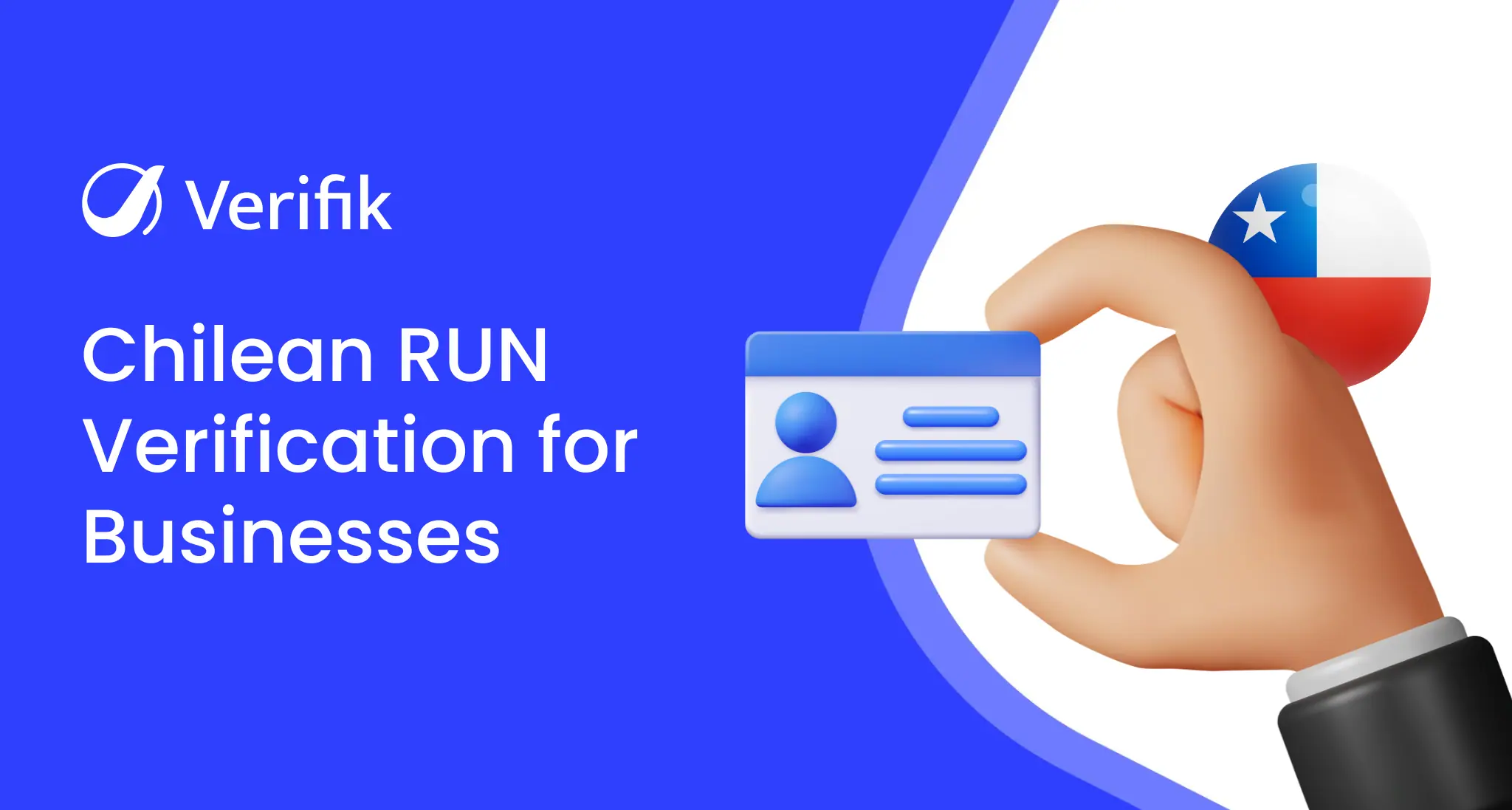
This guide shows how to verify a RUN in Chile with Verifik’s API: the endpoint, its parameters, a request you can paste into a terminal, the documented response and errors, and what to watch for when you put it in production. Everything below comes from the official endpoint documentation.
About the RUN in Chile
The Rol Único Nacional (RUN) is the personal identification number assigned by Chile’s Servicio de Registro Civil e Identificación. It is made of a body of up to eight digits plus a check digit (0–9 or K), and for individuals it is the same number used as the tax RUT.
Verifik’s endpoint queries Registro Civil sources with the document type RUN and returns the holder’s first name, last name and full name.
If the use case is clear, create an account and test the endpoint from your own code.
How to call the Chile RUN API
Endpoint: GET https://api.verifik.co/v2/cl/cedula. Send your token in the Authorization: Bearer header. Parameters, as documented:
| Parameter | Required | Description |
|---|---|---|
documentType | Yes | Allowed value: RUN. |
documentNumber | Yes | RUN value without spaces or separators. |
Request example with placeholder values (replace them with your user’s data):
curl --location --request GET 'https://api.verifik.co/v2/cl/cedula?documentType=RUN&documentNumber=12345678K' \
--header 'Accept: application/json' \
--header 'Authorization: Bearer <token>'
200 response from the docs (personal data masked):
{
  "data": {
    "documentType": "RUN",
    "documentNumber": "21*****39",
    "firstName": "C*****",
    "lastName": "R********",
    "fullName": "C***** R********"
  },
  "signature": {
    "message": "Certified by Verifik.co",
    "dateTime": "January 16, 2024 3:44 PM"
  },
  "id": "CL001"
}
A successful call returns HTTP 200 with a data object containing: documentType, documentNumber, firstName, lastName, fullName. Every response also carries a signature (timestamp and “Certified by Verifik.co”) and a unique id you can store as evidence of the check.
Documented errors for /v2/cl/cedula
- 400
INVALID_RUN(“Invalid RUN number”): the document number failed validation; ask the user to re-check it before retrying.
Integration tips
- Send the RUN without dots, spaces or hyphen, including the check digit (for example
12345678K). - Validate the check digit (modulo 11) before calling the API; a malformed RUN returns 400
INVALID_RUN. - Driver and courier platforms in Chile often run this check at sign-up and again before the first payout.
- Keep the check digit uppercase (K) to avoid mismatches between your database and the response.
Personal data and terms of use
Identity lookups process personal data. Use the API only for a lawful purpose you can document, such as onboarding, fraud prevention or contract checks, collect consent where the local law requires it, and keep only the fields you need. Usage is governed by the smartCHECK terms and conditions.
Pricing
Each successful request consumes credits from your Verifik plan. Current plans and per-endpoint costs are on the smartCHECK pricing page.
Related guides and documentation
- Chile RUT company lookup API
- Argentina DNI verification API
- Endpoint documentation (English)
- Documentation in Spanish
Start testing
Create a Verifik account to get your API token, or book a meeting if you want to review coverage and volumes with the team.