 Identity Card
 National Identity Document
 Citizenship ID
 Unique Identity Document
 Personal Identification Document
 Unique Population Registry Code
 Personal Identity Card
 Civil Identity Card
 Identity and Electoral Card
 Check Plate Colombia
 Check Plate Peru
 Check Plate Mexico
 Check Plate Argentina
 Check Plate Chile
 Check Plate USA
 Check Plate Brazil


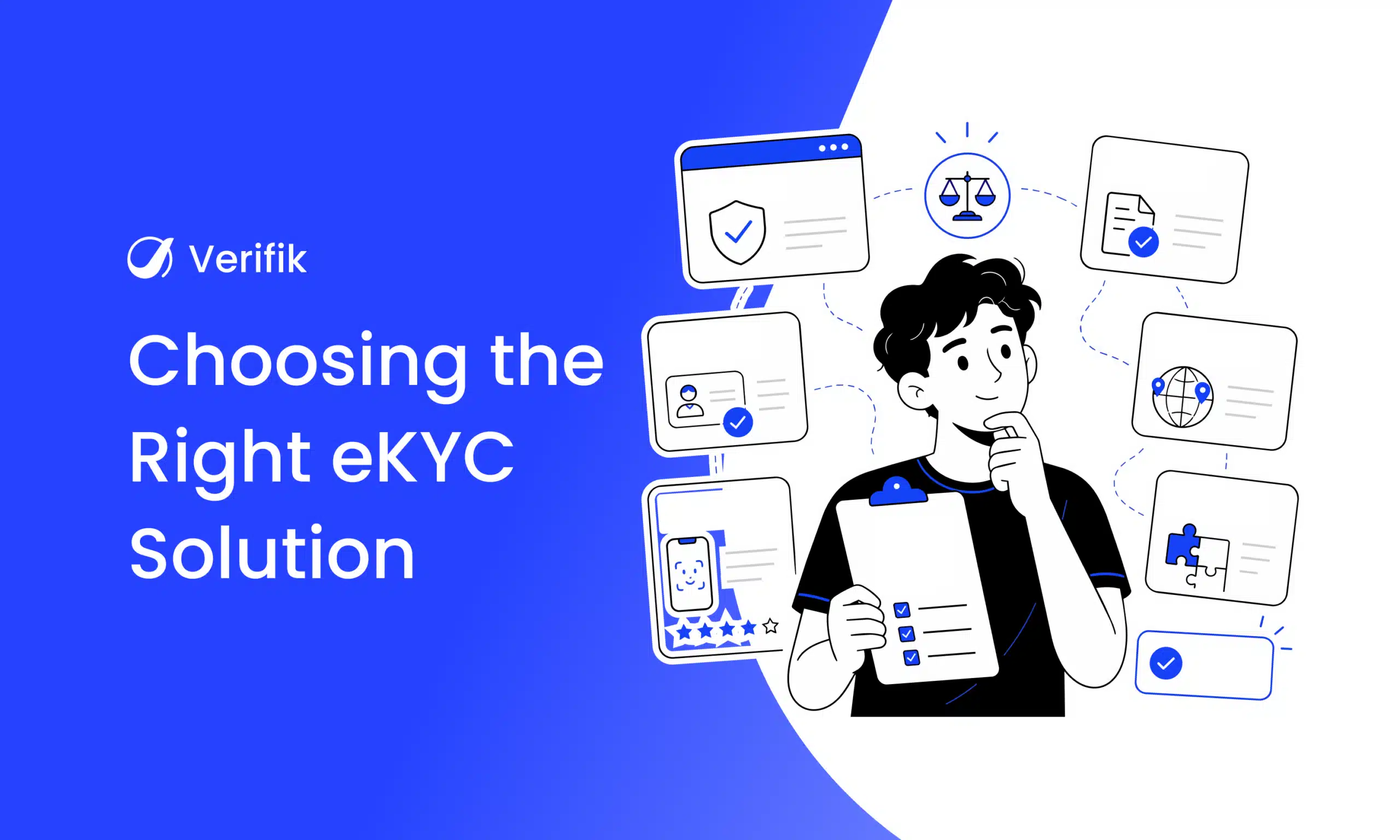
The right eKYC or digital onboarding solution is the one that approves your real customers quickly, stops the fraud you actually see, and satisfies the regulators in the countries where you operate. This guide gives you the selection criteria, the questions to ask vendors, a scorecard and a test you can run on your own data before signing. Updated November 2026.
Why the choice of eKYC solution matters
- Conversion: in Signicat’s 2026 study, 17% of consumers who abandoned an online financial application blamed slow verification (Signicat via Cybersecurity Insiders).
- Fraud: deepfakes are linked to about one in five biometric fraud attempts and injection attacks grew about 40% in a year (Entrust 2026). A weak liveness check becomes your weakest point.
- Compliance: the provider’s evidence is what you show the regulator.
- Cost: false rejects send good customers to manual review, which costs more than the check itself.
- Lock-in: once face templates and flows are built around one provider, switching is slow.
If the use case is clear, create an account and test the endpoint from your own code.
eKYC solution vs digital onboarding solution: which do you need?
An eKYC solution verifies identity: document, liveness, face match, registry and screening. A digital onboarding solution wraps that in the full journey: sign-up form, contact OTP, consents, resume links, account setup and analytics. If you already have a strong app and only need verification, an eKYC API is enough. If you need hosted screens and journey orchestration too, look for both in one product. More in eKYC vs digital onboarding.
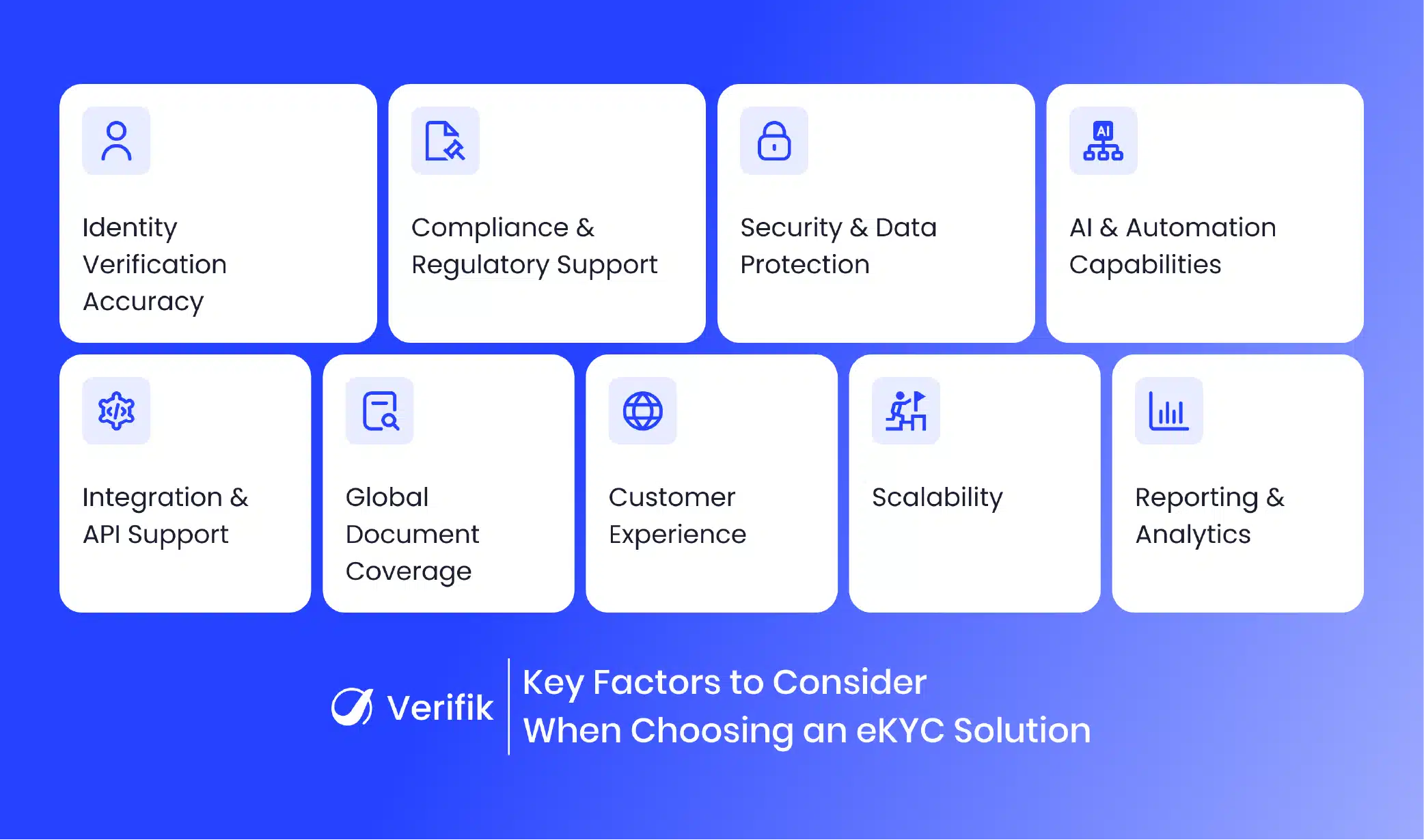
Key factors when choosing an eKYC solution
Verification accuracy on your customers
Ask for false reject and false accept rates, but trust only what you measure on your own sample (see the test below). Check whether you can set the face-match threshold per product.
Liveness certification and injection defences
Ask which presentation attack detection certification the liveness holds (for example iBeta Level 2 against ISO/IEC 30107-3) and how the capture is protected against injection. ISO 30107-3 covers presentation attacks only; injection attacks are addressed by CEN/TS 18099, and iBeta began testing against it in 2026 (Biometric Update).
Local document and registry coverage
Global document templates are not enough in Latin America. Ask which countries are validated against the issuing registry and which documents the OCR reads. Verifik validates IDs in 20 countries (guide).
Compliance support by country
Check the rules that apply to you: Colombia’s SFC Circular Externa 006 de 2025 for non-face-to-face biometrics (SFC), Mexico’s CNBV biometric checks against INE/SRE (DOF), and data protection law on biometric consent. See eKYC compliance requirements.
Security and data protection
Ask where data is hosted, how long images and templates are kept, how deletion requests are handled and which security certifications the provider holds.
Integration and API design
Look for clear REST docs, sandbox access, webhooks and a hosted option. Check versioning and deprecation policy; for example, Verifik’s Scan Studio v2 is retired on 25 November 2026 with v3 as the replacement (docs).
Customer experience
Test the flow on mid-range Android phones and slow networks. Count the screens and the seconds.
Scalability, reporting and support
Ask about rate limits, uptime, per-step funnel reports and who answers when a production issue happens at night.
Questions to ask an eKYC vendor
- Which countries do you validate directly against the issuing registry?
- Which liveness certification do you hold, and how do you detect injection attacks?
- Can I set face-match and liveness thresholds per product?
- Do you offer 1:N face search scoped to my users?
- What evidence do you return for each check, and for how long is it kept?
- Where is data hosted, and how do I delete a customer’s biometrics?
- What is your deprecation policy for API versions?
- Is there a hosted flow and an API, and can I mix them?
- What happens when a registry is down?
- Can I run a pilot on my own traffic before signing?
A scorecard for comparing eKYC providers
| Criterion | Weight | How to score it |
|---|---|---|
| Pass rate on your sample (FRR) | 25% | Measured in your pilot |
| Fraud caught (FAR, attack set) | 20% | Measured with your known-attack samples |
| Local registry coverage | 15% | Countries you need ÷ countries covered directly |
| Liveness certification and injection defence | 10% | Certificate and test letters on file |
| Compliance fit | 10% | Meets each rule in your markets |
| Integration effort | 10% | Developer days in the pilot |
| Total cost | 10% | Per-check price plus review cost from false rejects |
Test thresholds on your own data before you sign
Collect a few hundred consented pairs: real customers (selfie + ID portrait), impostor pairs and known attacks. Score them with the provider’s API and compare false rejects and false accepts at different thresholds. With Verifik, liveness takes a liveness_min_score (default 0.6) and face compare a compare_min_score from 0.67 to 0.95 (default 0.85):
import csv, os, requests

API = "https://api.verifik.co"
H = {"Authorization": f"Bearer {os.getenv('VERIFIK_TOKEN')}", "Content-Type": "application/json"}

# pairs.csv: selfie_b64_path, id_portrait_b64_path, same_person (1/0), is_attack (1/0)
rows = list(csv.DictReader(open("pairs.csv")))

def score(selfie, portrait):
    live = requests.post(API + "/v2/face-recognition/liveness", headers=H, timeout=60,
                         json={"os": "ANDROID", "image": selfie, "liveness_min_score": 0.6}).json()
    comp = requests.post(API + "/v2/face-recognition/compare", headers=H, timeout=60,
                         json={"probe": [selfie], "gallery": [portrait],
                               "search_mode": "ACCURATE", "compare_min_score": 0.67}).json()
    return live["data"]["liveness_score"], comp["data"]["score"]

results = []
for r in rows:
    selfie, portrait = open(r["selfie"]).read(), open(r["portrait"]).read()
    ls, fs = score(selfie, portrait)
    results.append((int(r["same_person"]), int(r["is_attack"]), ls, fs))

for t in (0.80, 0.85, 0.90):              # face-match thresholds to compare
    genuine = [x for x in results if x[0] == 1 and x[1] == 0]
    impostor = [x for x in results if x[0] == 0 or x[1] == 1]
    frr = sum(1 for x in genuine if x[2] < 0.6 or x[3] < t) / max(len(genuine), 1)
    far = sum(1 for x in impostor if x[2] >= 0.6 and x[3] >= t) / max(len(impostor), 1)
    print(f"threshold {t}: false rejects {frr:.1%}, false accepts {far:.1%}")
Pick the threshold that keeps false accepts at your risk tolerance with the fewest false rejects, and set it per product: a higher threshold for credit, a lower one with step-up for low-risk accounts.
Common mistakes when selecting an eKYC solution
- Choosing on price alone: a cheaper check with more false rejects costs more in reviews and lost customers.
- Comparing features, not outcomes: measure pass rate, fraud caught and time to decision.
- Ignoring future markets: check coverage for countries on your roadmap.
- Underestimating integration: SDKs, webhooks and your case-management tool all need work.
- Forgetting the user: a flow your compliance team loves can still lose half your applicants.
Evaluate smartENROLL with a pilot
smartENROLL gives you hosted onboarding screens and APIs for OCR, iBeta Level 2 liveness, 1:1 and 1:N face matching, registry validation in 20 countries, OTP and screening, with evidence for every check. For background on what an eKYC solution does, read what is an eKYC solution. Book a demo to plan a pilot on your own traffic.