Identity Card
 National Identity Document
 Citizenship ID
 Unique Identity Document
 Personal Identification Document
 Unique Population Registry Code
 Personal Identity Card
 Civil Identity Card
 Identity and Electoral Card
 Check Plate Colombia
 Check Plate Peru
 Check Plate Mexico
 Check Plate Argentina
 Check Plate Chile
 Check Plate USA
 Check Plate Brazil


Updated November 2026
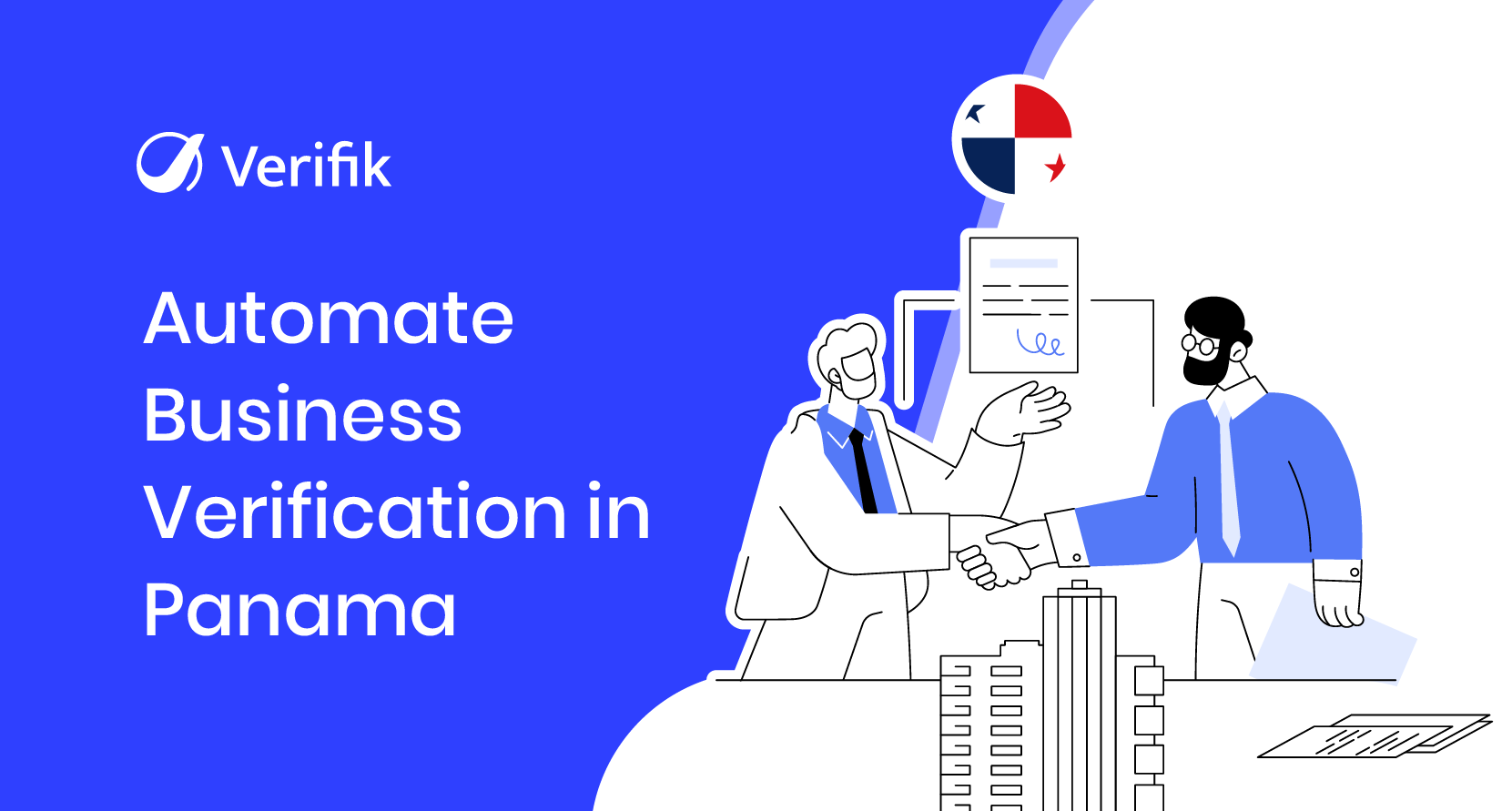
This guide shows how to look up a company in Panama by RUC with Verifik’s API: the endpoint, its parameters, a request you can paste into a terminal, the documented response and errors, and what to watch for when you put it in production. Everything below comes from the official endpoint documentation.
Company records in Panama
Panamanian companies are registered in the Registro Público de Panamá, and their tax ID is the Registro Único de Contribuyente (RUC) used by the Dirección General de Ingresos (DGI), which comes with a verification digit (DV). For legal entities the RUC is built from the registry folio, so it looks like 155703400-2-2021.
Verifik’s endpoint takes the RUC and DV and returns the business name, current status, capital and currency, organization type, record type, folio, registration date, validity and the registered officers and resident agent.
Want to try it? Create your Verifik account and make your first call today.
How to call the Panama RUC API
Endpoint: GET https://api.verifik.co/v2/pa/company. Send your token in the Authorization: Bearer header. Parameters, as documented:
| Parameter | Required | Description |
|---|---|---|
documentType | Yes | Document type. Allowed value: RUC. |
documentNumber | Yes | Company identifier. |
dv | Yes | Verification digit. |
Request example with placeholder values (replace them with your user’s data):
curl --location --request GET 'https://api.verifik.co/v2/pa/company?documentType=RUC&documentNumber=155703400-2-2021&dv=39' \
--header 'Accept: application/json' \
--header 'Authorization: Bearer <token>'
200 response from the docs (personal data masked):
{
  "data": {
    "address": "PROVINCIA PANAMÁ",
    "businessName": "MATA ENTERPRISES, S.A.",
    "capital": "1,000.00",
    "currencyType": "Dólares americanos",
    "currentStatus": "DISUELTO",
    "documentNumber": "155703400-2-2021",
    "documentType": "RUC",
    "dv": "39",
    "folioOrFincaOrFicha": "(MERCANTIL) Folio Nº 126965 (S)",
    "idFolio": "1183912",
    "organizationType": "SOCIEDAD ANONIMA",
    "recordType": "Mercantil",
    "registrationDate": "13/03/1984",
    "representatives": {
      "director": "A***** N****",
      "president": "J*** A****** R***",
      "representative": "EL PRESIDENTE, EN SU AUSENCIA EL TESORERO O EL SECRETARIO.",
      "residentAgent": "J***** M******",
      "secretary": "L****** M******",
      "subscriber": "D*** A****** P***** D* D*****",
      "secretarioAsistente": "A***** N****",
      "tesoreroAsistente": "C******* M****",
      "treasurer": "F****** P****",
      "vicePresident": "A***** N****"
    },
    "status": "",
    "validity": "PERPETUA"
  },
  "signature": {
    "dateTime": "October 10, 2025 5:25 PM",
    "message": "Certified by Verifik.co"
  },
  "id": "1SPK4"
}
A successful call returns HTTP 200 with a data object containing: address, businessName, capital, currencyType, currentStatus, documentNumber, documentType, dv, folioOrFincaOrFicha, idFolio, organizationType, recordType, registrationDate, representatives, status, validity. Every response also carries a signature (timestamp and “Certified by Verifik.co”) and a unique id you can store as evidence of the check.
Documented errors for /v2/pa/company
- 401
UNAUTHORIZED(“Authentication required”): the token is missing or invalid; check the Authorization header. - 404
NotFound(“Record not found”): no record was found; do not treat it as a match and route the case to review or ask for another document. - 409
MissingParameter(“documentType must be one of: [RUC]”): a required parameter is missing or has an invalid value; fix the request instead of retrying it as is. - 500
InternalServerError(“Server error”): a server or source error; retry with backoff and log the request id.
Integration tips
- Send the RUC with its hyphens and the
dvas a separate parameter. - Check
currentStatus: a company markedDISUELTOshould not be onboarded. - The
representativesblock lists officers and the resident agent. Screen those people as part of your KYB policy. - Officer names are personal data; store them only if your compliance process needs them.
Personal data and terms of use
Company records can include personal data about partners, officers or representatives. Use the API only for a lawful purpose you can document, such as onboarding, fraud prevention or contract checks, collect consent where the local law requires it, and keep only the fields you need. Usage is governed by the smartCHECK terms and conditions.
Pricing
Each successful request consumes credits from your Verifik plan. Current plans and per-endpoint costs are on the smartCHECK pricing page.
Related guides and documentation
- Panama cédula verification API
- Costa Rica company lookup API
- Endpoint documentation (English)
- Documentation in Spanish
Start testing
Create a Verifik account to get your API token, or book a meeting if you want to review coverage and volumes with the team.