 Identity Card
 National Identity Document
 Citizenship ID
 Unique Identity Document
 Personal Identification Document
 Unique Population Registry Code
 Personal Identity Card
 Civil Identity Card
 Identity and Electoral Card
 Check Plate Colombia
 Check Plate Peru
 Check Plate Mexico
 Check Plate Argentina
 Check Plate Chile
 Check Plate USA
 Check Plate Brazil


Updated November 2026
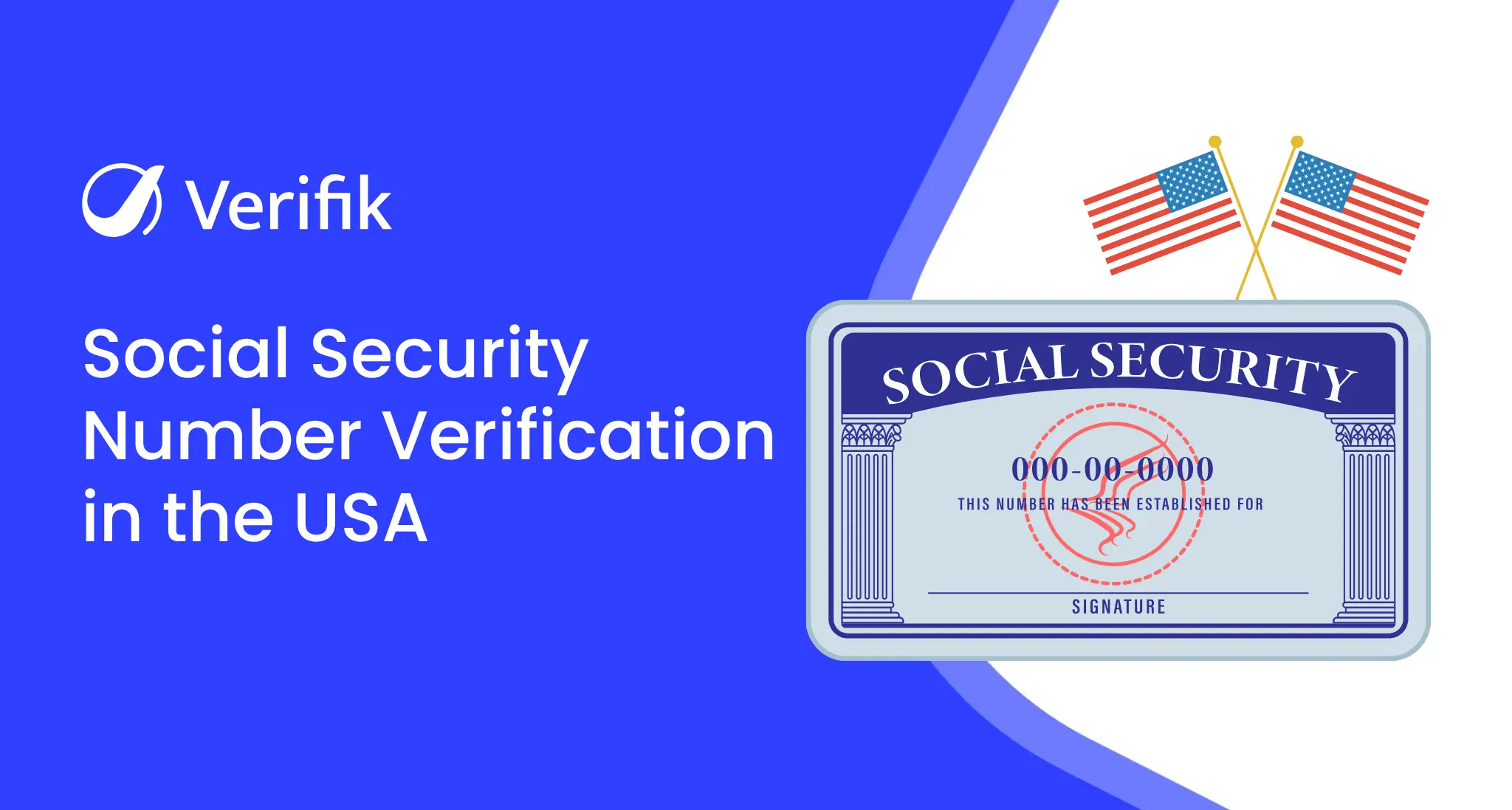
This guide shows how to verify an SSN in the United States with Verifik’s API: the endpoint, its parameters, a request you can paste into a terminal, the documented response and errors, and what to watch for when you put it in production. Everything below comes from the official endpoint documentation.
About the SSN in the United States
The Social Security Number is a nine-digit number (formatted AAA-GG-SSSS) assigned by the Social Security Administration (SSA). It was designed to track earnings for Social Security benefits, but lenders, employers and fintechs use it as the main identifier in US onboarding and credit files.
Since June 25, 2011 the SSA assigns numbers randomly. Before that date, the first three digits were tied to the state where the number was issued, which is why a result can include an issuing state and a first year of issuance. For numbers assigned after randomization, treat those two fields as informational only.
If the use case is clear, create an account and test the endpoint from your own code.
How to call the the United States SSN API
Endpoint: GET https://api.verifik.co/v2/usa/ssn. Send your token in the Authorization: Bearer header. Parameters, as documented:
| Parameter | Required | Description |
|---|---|---|
documentNumber | Yes | SSN to be queried, it must be written exactly as it appears on the document. |
Request example with placeholder values (replace them with your user’s data):
curl --location --request GET 'https://api.verifik.co/v2/usa/ssn?documentNumber=123-45-6789' \
--header 'Accept: application/json' \
--header 'Authorization: Bearer <token>'
200 response from the docs (personal data masked):
{
  "data": {
    "firstYearIssued": "1936",
    "issuingState": "Oklahoma (OK)",
    "SSN": "12*-**-*78",
    "valid": true
  },
  "signature": {
    "dateTime": "April 11, 2023 3:42 PM",
    "message": "Certified by Verifik.co"
  }
}
A successful call returns HTTP 200 with a data object containing: firstYearIssued, issuingState, SSN, valid. Every response also carries a signature (timestamp and “Certified by Verifik.co”) and a unique id you can store as evidence of the check.
Documented errors for /v2/usa/ssn
- 401
UNAUTHORIZED(“Authentication required”): the token is missing or invalid; check the Authorization header. - 403
FORBIDDEN(“Access forbidden”): the token is valid but not allowed to use this endpoint; check your plan or permissions. - 404
NotFound(“Record not found”): no record was found; do not treat it as a match and route the case to review or ask for another document. - 409
MissingParameter(“missing documentNumber”): a required parameter is missing or has an invalid value; fix the request instead of retrying it as is.
Integration tips
- Send the SSN exactly as the applicant typed it on the form; the docs ask for the value as it appears on the document.
- Use
validas the decision field.issuingStateandfirstYearIssuedhelp spot inconsistencies (for example, an SSN first issued decades before the applicant was born deserves a manual review). - An SSN check confirms the number, not the person. Pair it with a document and selfie check before approving high-risk accounts.
- Store the
signatureblock with the decision so you can show when and how the check was made.
Personal data and terms of use
Identity lookups process personal data. Use the API only for a lawful purpose you can document, such as onboarding, fraud prevention or contract checks, collect consent where the local law requires it, and keep only the fields you need. Usage is governed by the smartCHECK terms and conditions.
Pricing
Each successful request consumes credits from your Verifik plan. Current plans and per-endpoint costs are on the smartCHECK pricing page.
Related guides and documentation
Start testing
Create a Verifik account to get your API token, or book a meeting if you want to review coverage and volumes with the team.