Identity Card
 National Identity Document
 Citizenship ID
 Unique Identity Document
 Personal Identification Document
 Unique Population Registry Code
 Personal Identity Card
 Civil Identity Card
 Identity and Electoral Card
 Check Plate Colombia
 Check Plate Peru
 Check Plate Mexico
 Check Plate Argentina
 Check Plate Chile
 Check Plate USA
 Check Plate Brazil


41% of BNPL users admitted to at least one late payment in 2025, according to a LendingTree survey cited by Chargebacks911. Yet a shopper who picks “pay in 4” expects an answer in seconds, not hours.
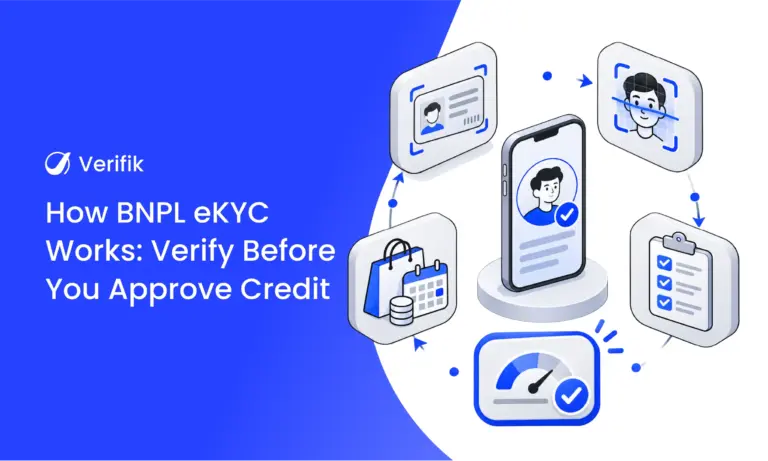
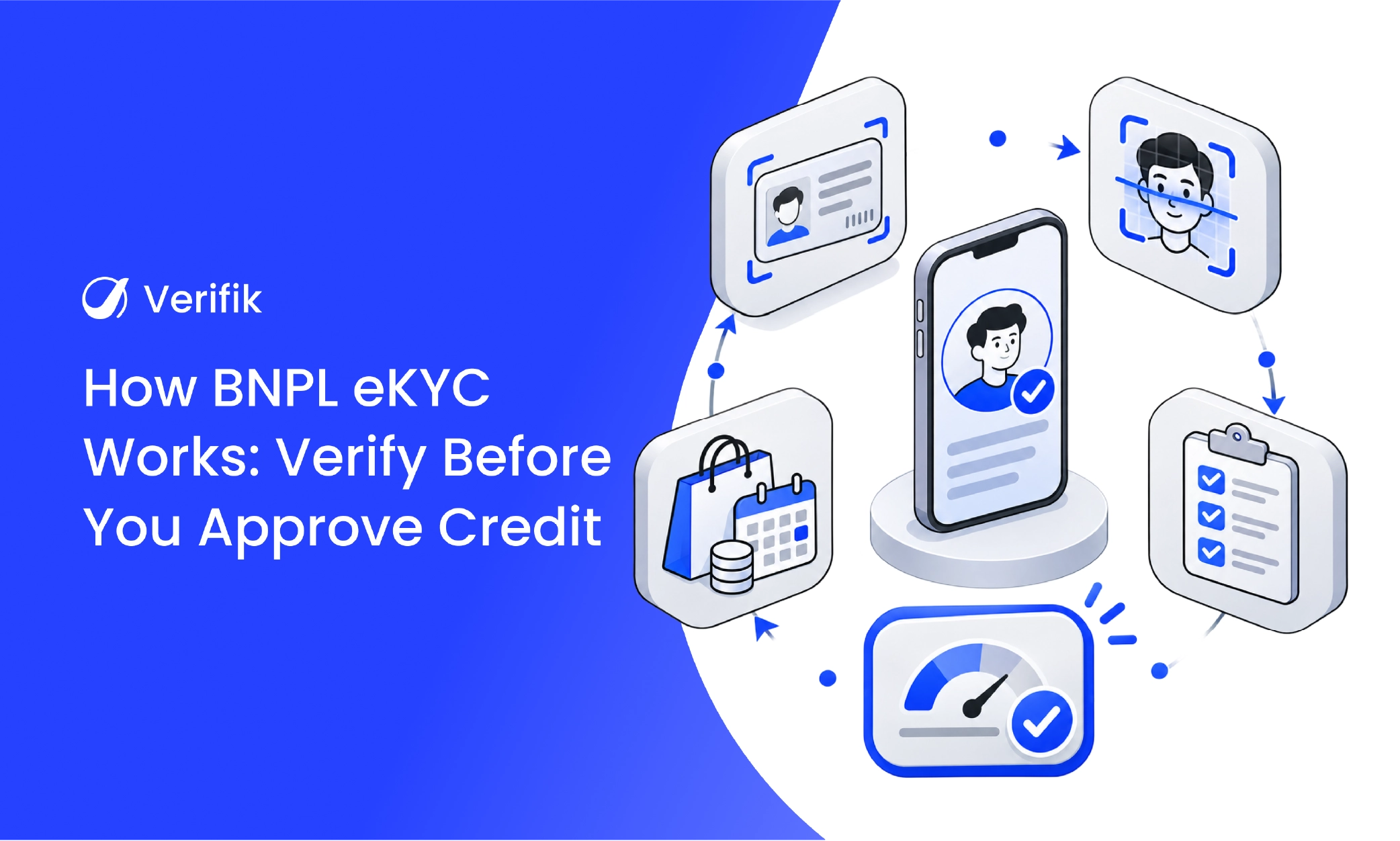
A modern BNPL eKYC platform resolves that tension by running five checks in parallel inside the checkout flow.
This guide walks through each step of BNPL eKYC, shows what happens when a check fails, and explains where verifications break down in practice. For the requirements and benefits around this process, see our complete guide to KYC for BNPL.
The Five Steps of BNPL eKYC
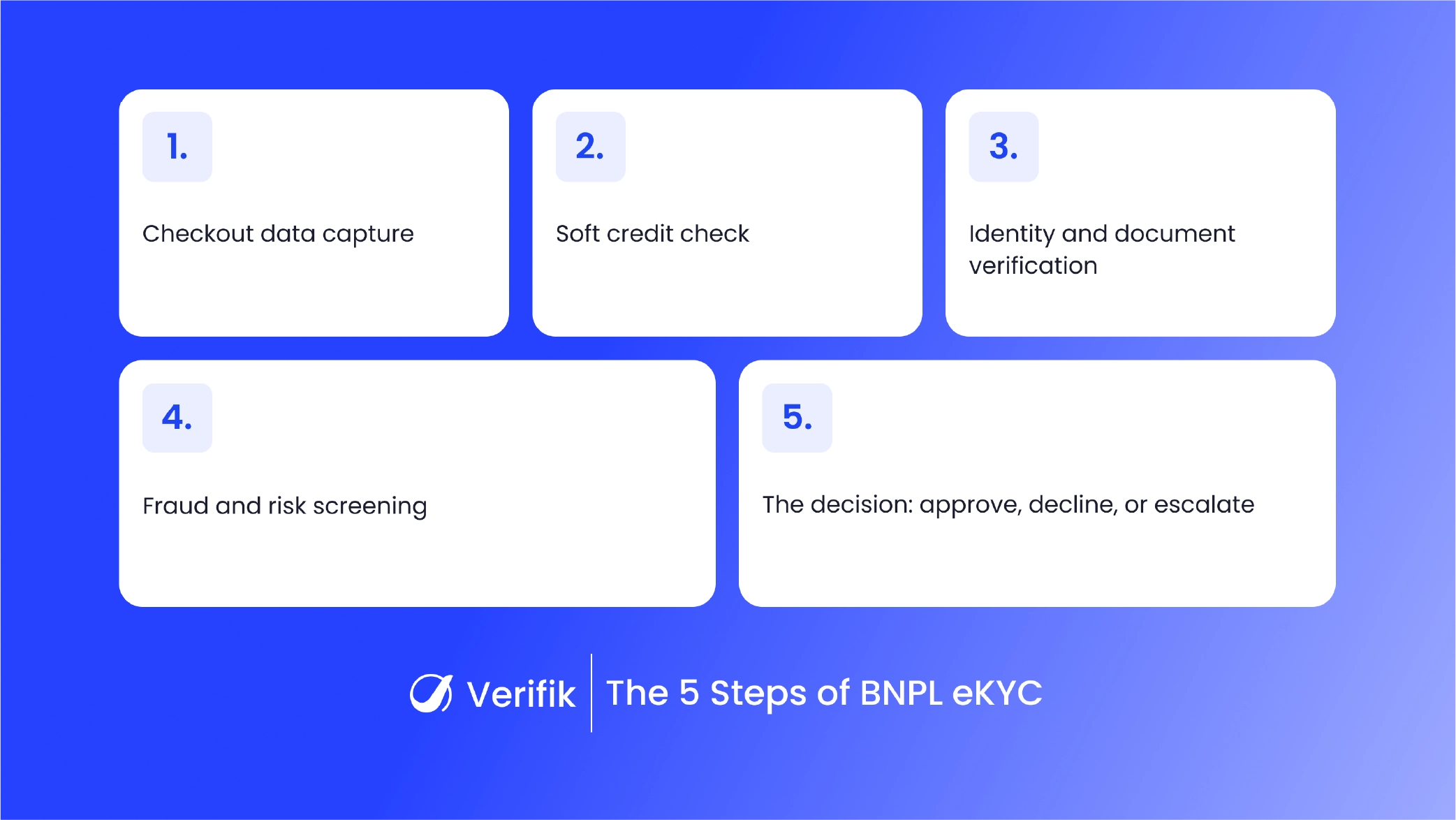
BNPL eKYC compresses a full credit decision into the checkout. Here is what each step actually does.
1. Checkout Data Capture
The shopper enters name, date of birth, address, phone, and email at checkout. Good flows pre-fill what the merchant already knows and ask for nothing twice. The data is normalised instantly: formatting is cleaned and addresses are standardised.
Dirty data at this step creates false mismatches later, so capture quality is the foundation everything else stands on.
2. Soft Credit Check
The lender runs a soft inquiry with its own credit bureau to gauge repayment capacity. Soft checks do not affect the applicant’s credit score, which keeps the experience light. BNPL’s customer base skews young and thin-file, so the bureau signal is often weak.
That is why the soft check is one input among several, never the whole decision.
3. Identity and Document Verification
For applications that need stronger proof, the flow escalates: the shopper scans a government ID and takes a selfie.
Optical character recognition extracts the data, AI checks the document for forgery signs like replaced photos and wrong fonts, and a biometric match with liveness detection confirms the person holding the phone is the person on the ID.
This is the step that stops stolen and synthetic identities.
In Colombia, this step comes with an extra condition: Law 2573 of 2026 has been in force since November 19, 2026 and, according to Portafolio, a selfie can no longer be an automatic requirement to apply for credit, although identity must still be verified. The flow must offer a non-biometric path, for example validating the cédula against the official registry, an OTP code to the mobile phone, and an assisted review, and ask for explicit consent when it uses biometrics.
4. Fraud and Risk Screening
While the identity checks run, a second layer screens for fraud signals: device fingerprinting, application velocity, email age and reputation, IP and location consistency, and sanctions and PEP watchlists. Is this device linked to ten applications today? Was the email created an hour ago?
These checks cost milliseconds and catch the attacks that documents alone miss, including the multi-provider stacking that BNPL’s invisible loans make possible.
5. The Decision
All signals combine into approve, decline, or escalate. Clear cases are decided automatically, and the evidence behind the decision is stored with a timestamp. Unclear cases route to human reviewers with everything already collected. The decision also sets the credit terms: approved amount, installments, and whether the first payment is due at checkout.
Manual review versus automated BNPL eKYC at a glance:
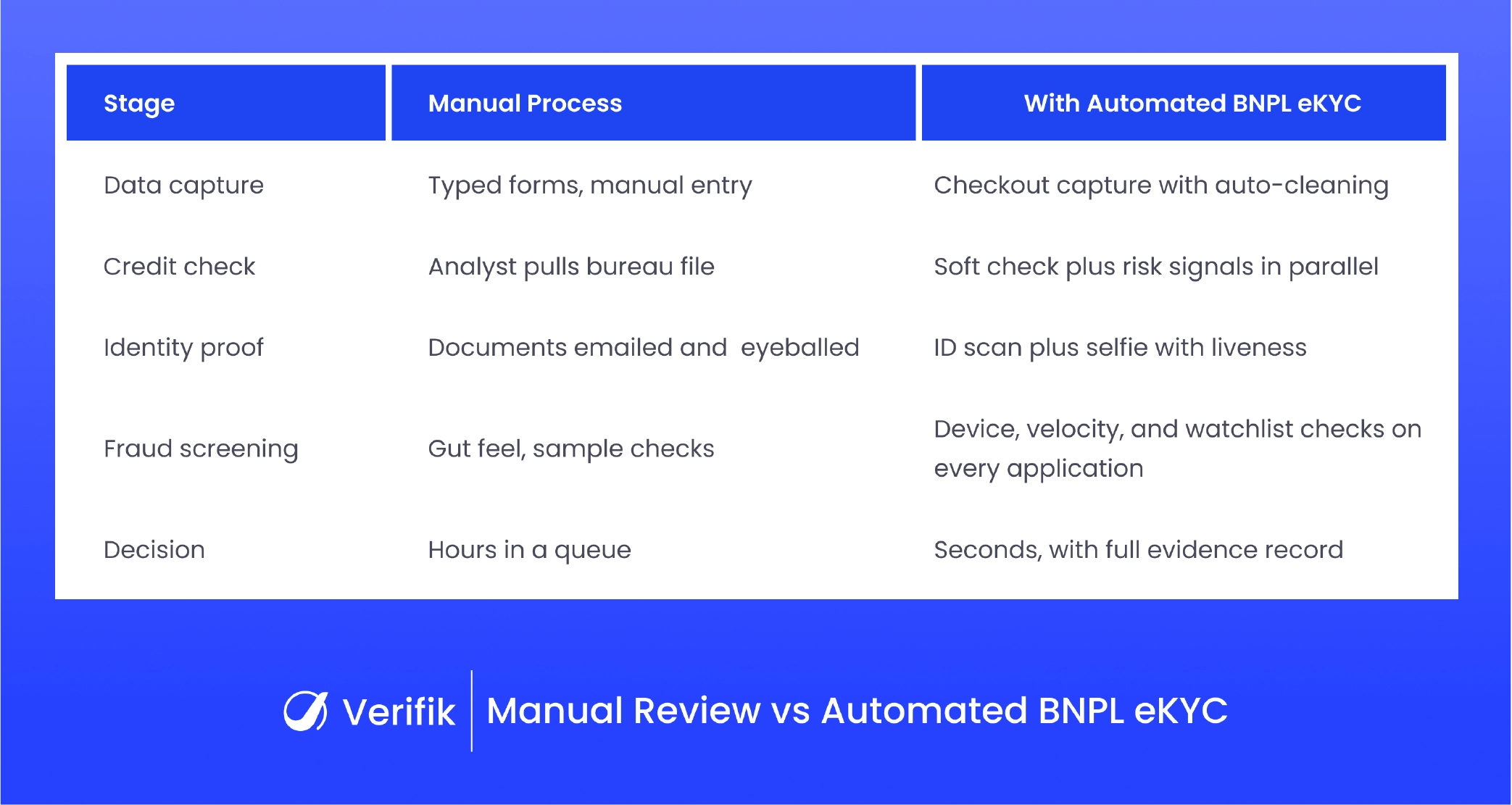
Looking for a way to put this into practice? See how smartENROLL handles it.
What Happens When a Check Fails
Not every application passes on the first try. What happens next separates good BNPL eKYC from bad.
Automatic Retries for Capture Problems
Most failures are capture problems, not fraud: a blurry ID photo, glare on the document, a cropped edge. The flow should offer an instant retry with specific guidance, not a rejection. A few guided attempts usually resolve genuine applicants.
Step-Up Verification for Risky Signals
When risk signals fire but the identity looks real, the flow steps up instead of declining: ask for the ID scan, add the selfie (or, in Colombia, a non-biometric alternative), or request the debit card for the first installment.
Step-up keeps good customers who would have been wrongly declined, while making life harder for fraudsters.
This is also where eKYC software for BNPL earns its keep: the step-up logic must be configurable by your risk team, not hard-coded by the vendor.
The Reviewer Handoff
Applications that automation cannot resolve land in a review queue. The reviewer should see the full evidence bundle on one screen: the captured images, which checks passed and failed, the risk signals that fired, and the applicant’s history.
The quality of this handoff determines whether manual review takes minutes or days, and in BNPL, days mean a lost sale.
Where BNPL Verifications Break Down
Three failure points account for most BNPL verification problems in production.
Thin Files and Young Applicants
BNPL’s core users are young, and young users have thin credit files. A flow tuned for prime borrowers with deep bureau histories will decline good applicants simply because there is no data. The fix is to give more weight to alternative signals for thin-file applicants: device, behavior, and identity validation against official registries.
Mobile Capture Conditions
Most BNPL purchases happen on phones, and phone cameras operate in bad light with cracked screens and shaky hands. Guided capture with real-time feedback, warning about blur and glare before the photo is accepted, is the cheapest way to raise pass rates.
Fraud Rings Testing at Scale
Fraudsters probe BNPL checkouts with automated applications to find the approval threshold. Velocity monitoring and device intelligence are the defenses here: no single application looks wrong, but fifty from one device in an hour tells the story.
How to Run These Steps With smartENROLL
smartENROLL is Verifik’s eKYC onboarding solution. For BNPL in Latin America, where checkout happens on phones and ID formats vary by country, these are the pieces it brings to the steps above.
Configurable Steps in One Flow
Capture, document verification, biometrics, validation against official registries, and watchlist screening are configured per project in one flow that returns a verification decision in seconds. Your credit bureau check and the credit decision plug in via API.
Document Verification for Regional IDs
Reads (OCR) and verifies Latin American national IDs, such as Colombia’s cédula, Mexico’s INE voter card, and Peru’s DNI.
Biometrics With Passive Liveness
Matches the shopper’s face to the ID photo and confirms from a single image that a live person is present, helping stop photo, video, and mask attacks without awkward exercises.
Validation Against Official Registries
Validates the shopper’s identity against each country’s official ID registry (cédula, CURP, DNI, and others), which helps catch synthetic identities that documents alone miss. For partner merchants, RUES lets you verify the company (KYB). Verifik’s public catalog covers 409 APIs across 51 countries: see coverage by country and pricing.
Configurable Thresholds and Review
You configure flow steps, biometric thresholds, and blocklists, and doubtful cases go to review in the admin panel. The escalation rules in your own risk engine decide when to ask for each step.
Evidence Stored With Every Decision
The results of every check are available in the review panel and sent via webhook, so you can store what was checked, what passed, what failed, and when alongside your decision.
Want to watch the five steps run on your own checkout? Book a session and see a verification decision in seconds.
Conclusion
BNPL eKYC is five connected steps: checkout capture, a soft credit check, identity and document verification, fraud and risk screening, and a decision with an evidence trail. The flows that win run cheap invisible checks on everyone and reserve visible friction for risky applications.
Run your own traffic through any platform before you commit and watch where genuine shoppers stall. smartENROLL is built for that test, with document reading and validation against official Latin American registries.