 Identity Card
 National Identity Document
 Citizenship ID
 Unique Identity Document
 Personal Identification Document
 Unique Population Registry Code
 Personal Identity Card
 Civil Identity Card
 Identity and Electoral Card
 Check Plate Colombia
 Check Plate Peru
 Check Plate Mexico
 Check Plate Argentina
 Check Plate Chile
 Check Plate USA
 Check Plate Brazil


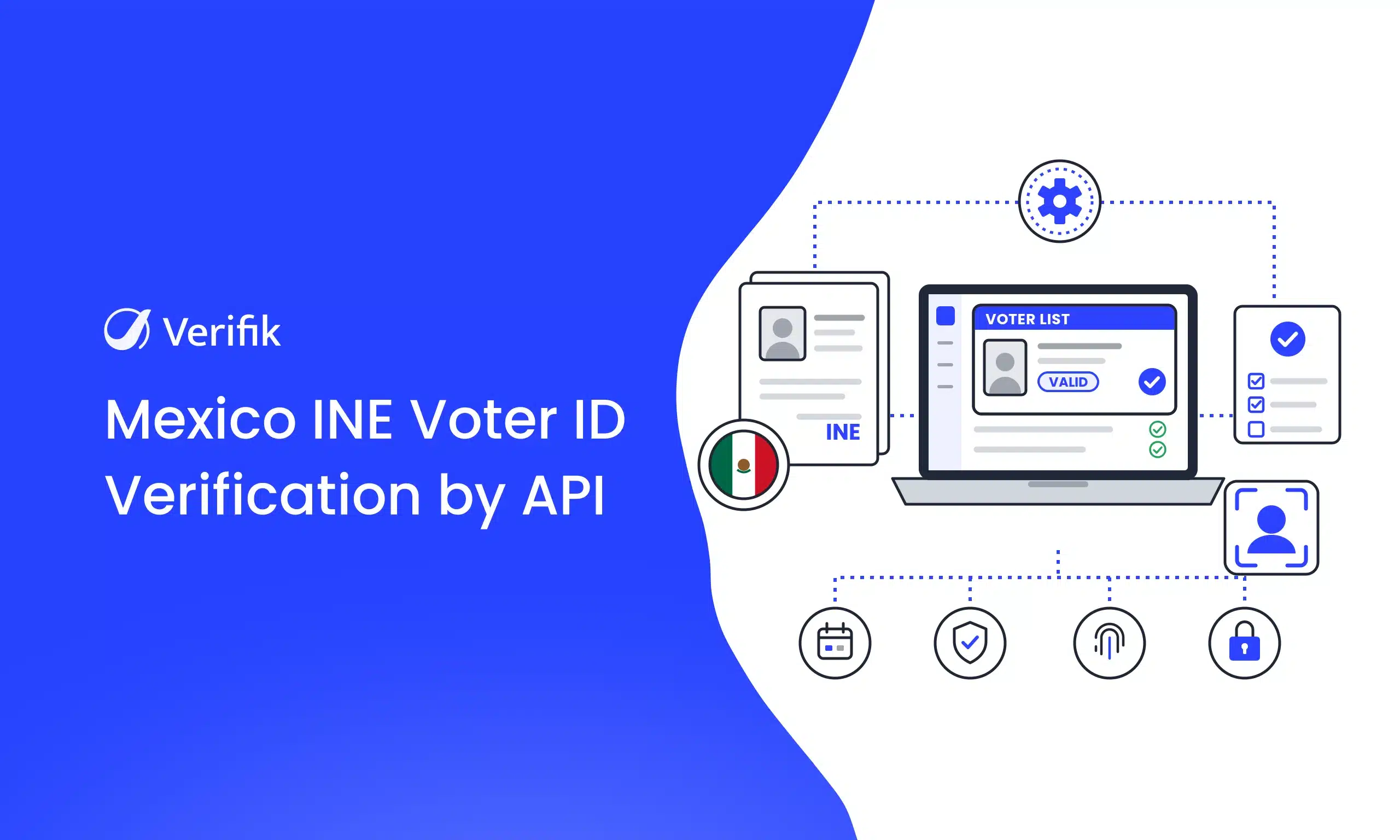
Short answer: Send a GET request to https://api.verifik.co/v2/mx/ine with documentType=INE and a single identifier: the CIC, the OCR number or the elector key. Verifik returns whether the voter ID card is valid in the registry, its expiry and its districts. Calls use smartCHECK credits, from $49 a month.
If you run product, compliance or engineering at a bank, fintech or insurer in Mexico, the INE voter ID card (credencial para votar) is the document your customers will hand you most often. Verifik’s Mexico INE verification API confirms with 1 single identifier that the card exists in the voter registry and is still valid as ID. And if all you have is a photo of the card, the OCR endpoint reads it and validates the data in the same call.
This guide covers what the check confirms, what changes with the new CNBV biometrics rule and the November 2026 AML rules, which identifier to send for each card model, and how to integrate the API with real code examples.
What INE validation by API is and what it confirms
Validating an INE by API means checking, from your own system, whether a voter ID card’s data match a record in the voter registry and whether the card is still valid. It’s the difference between seeing an image that looks like an INE and knowing the record exists.
According to the Mexico INE validation endpoint docs, when the card is recognized the response includes:
- The registry verdict:
status,messageandmessageCode. In the docs example, the message is “Vigente como medio de identificacion y puede votar” (valid as ID and entitled to vote). - Validity:
validity, for example “31 de diciembre de 2030”. - The card’s identifiers:
cic,ocrandelectorKey, plusidentifierType, which tells you which one you sent. - Issue and registration data:
emissionNumber,emissionYearandregistrationYear. - Districts:
federalDistrictandlocalDistrict. - The signature:
signature.dateTimeandsignature.message(“Certified by Verifik.co”), useful as evidence in the customer file.
One important detail: according to the docs, a negative verdict (for example, a card that’s no longer valid) still returns HTTP 200, with the status and message reported by the registry. Your approval logic has to read those fields, not just the HTTP code.
Why now: CNBV biometrics and the November 2026 AML rules
Two regulatory changes land this month, and both involve the voter ID card.
1. Biometrics at banks (CNBV). On July 1, 2026, Mexico’s Official Gazette (DOF) published the resolution amending the general provisions for credit institutions. Here’s what the text says:
- It took effect the day after publication, and banks have at most 90 business days to comply. That puts the compliance deadline in early November 2026.
- For the voter ID card, the bank must verify online that the person’s biometric data match INE’s records by at least ninety percent. Besides fingerprints, the resolution adds facial biometrics.
- It applies to individuals who, in person, request deposit operations tied to Level 4 accounts, or lending, service or payment-instrument operations tied to Level 3 and 4 accounts.
- Banks that already had their own biometric database had 30 calendar days to notify the CNBV.
Mind the scope: the resolution amends the rules for credit institutions. It isn’t a direct obligation for fintechs or SOFIPOs, although it works as a good-practice benchmark for their onboarding and anti-money-laundering programs.
It also pays to be precise about what each piece does. Biometric matching against INE’s records goes through INE’s voter ID data verification service, which INE offers to institutions under agreement. According to INE, it requires the holder’s consent, answers “true or false” with a fingerprint similarity percentage, and takes 5 to 7 seconds. Verifik’s API doesn’t replace that service: it validates the card’s data in the registry and, with face comparison plus liveness, confirms that the person in front of the camera is the person on the card. In digital onboarding, that combination is the practical way to tie the person to their card.
2. Vulnerable activities (LFPIORPI). Acuerdo 115/2026 amends the general rules under Mexico’s anti-money-laundering law and takes effect on November 30, 2026. The rules keep INE’s voter ID card among the valid documents for identifying clients. According to Cuatrecasas’ analysis, the substantive obligations (risk assessment, automated monitoring, audits) phase in between March 2027 and fiscal year 2028. Real estate firms, car dealers and other vulnerable activities will need to identify each client better, and validating the INE is the first step.
Fraud trends point the same way. CiberLATAM reported on November 2, 2026 that, according to an industry identity fraud report, fraud using synthetic and AI-manipulated material in Mexico grew more than 484% in 2025. A photo of an INE card proves nothing on its own anymore.
Which identifier to send: CIC, OCR or elector key
The documentNumber parameter accepts any of the card’s three identifiers, and the API detects which one it is from its format:
| Identifier | Format | Sandbox example |
|---|---|---|
| CIC (card identification code) | 9 digits | 187639699 |
| OCR | 13 digits | 0276031206745 |
| Elector key (clave de elector) | 18 alphanumeric characters | CSFTGV76061131H400 |
Some card models need one extra field, because the official source asks for different combinations depending on the model:
- Models E, F, G and H: usually need the
citizenIdentifier(printed on the back) together with the CIC. - Model C: needs the
emissionNumbertogether with the OCR and the elector key. - The
modelparameter: optional (C to H), a hint so the API picks the right combination.
In practice, the simplest path is to ask the customer for a photo of the front and back and let OCR extract every identifier, as shown below.
How to validate an INE card with Verifik’s API
You need your Verifik token in the Authorization: Bearer header and two required parameters: documentType, which is always INE, and documentNumber. Here’s the request with cURL:
curl -G "https://api.verifik.co/v2/mx/ine" \
  -H "Accept: application/json" \
  -H "Authorization: Bearer $VERIFIK_TOKEN" \
  --data-urlencode "documentType=INE" \
  --data-urlencode "documentNumber=187639699"
The same example in JavaScript (axios), based on the one in the docs:
import axios from "axios";

const { data } = await axios.get("https://api.verifik.co/v2/mx/ine", {
  params: {
    documentType: "INE",
    documentNumber: "187639699",
  },
  headers: {
    Accept: "application/json",
    Authorization: `Bearer ${process.env.VERIFIK_TOKEN}`,
  },
});

console.log(data);
This is the sample 200 response the docs publish for the sandbox CIC:
{
  "data": {
    "cic": "187639699",
    "documentNumber": "187639699",
    "documentType": "INE",
    "electorKey": "CSFTGV76061131H400",
    "emissionNumber": "1",
    "emissionYear": "2018",
    "federalDistrict": "04",
    "identifierType": "cic",
    "localDistrict": "03",
    "message": "Vigente como medio de identificacion y puede votar",
    "messageCode": "3",
    "ocr": "0276031206745",
    "registrationYear": "2010",
    "status": "OK",
    "validity": "31 de diciembre de 2030"
  },
  "signature": {
    "dateTime": "July 14, 2026 10:00 AM",
    "message": "Certified by Verifik.co"
  }
}
For testing, the docs provide three sandbox values (187639699, 0276031206745 and CSFTGV76061131H400), and document 900404019 returns 404.
Want to try it? Create your free Verifik account and make your first call with your token.
Read the card from a photo: INE OCR and validation in one call
In digital onboarding, customers don’t type their CIC: they upload a photo of their card. The Mexico INE OCR endpoint (POST /v2/mx/ine/ocr) does everything in a single request:
- It reads the front of the card (and the back, if you send it) with AI-powered OCR.
- It builds the identifiers from what it extracted.
- It validates those identifiers in the registry and returns both results together.
Send JSON with front (required) and back (optional, but strongly recommended to get the CIC, OCR and MRZ). Each image can be a public URL or base64. The docs ask for a client timeout of at least 60 seconds.
curl -X POST "https://api.verifik.co/v2/mx/ine/ocr" \
  --max-time 60 \
  -H "Content-Type: application/json" \
  -H "Authorization: Bearer $VERIFIK_TOKEN" \
  -d '{
    "front": "https://example.com/ine-front.jpg",
    "back": "https://example.com/ine-back.jpg"
  }'
The response has three blocks: ocr (what was read from the card, including name, date of birth and CURP), validation (what the registry reports) and validateParamsUsed (the identifiers used for validation). This is the sandbox example from the docs:
{
  "data": {
    "ocr": {
      "birthDate": "11/06/1976",
      "cic": "187639699",
      "citizenIdentifier": "031206745",
      "curp": "MAFC760611MYNRLR03",
      "documentType": "INE",
      "electorKey": "CSFTGV76061131H400",
      "firstName": "CARLA ISABEL",
      "fullName": "CARLA ISABEL MARTINEZ FERNANDEZ",
      "ocr": "0276031206745",
      "subType": "E",
      "validity": "2029"
    },
    "validation": {
      "cic": "187639699",
      "documentNumber": "187639699",
      "electorKey": "CSFTGV76061131H400",
      "ocr": "0276031206745",
      "validity": "31 de diciembre de 2030"
    },
    "validateParamsUsed": {
      "documentNumber": "187639699",
      "ocr": "0276031206745",
      "citizenIdentifier": "031206745"
    }
  },
  "signature": {
    "dateTime": "July 14, 2026 10:00 AM",
    "message": "Certified by Verifik.co"
  }
}
Note that the ocr block holds what’s printed on the card and the validation block holds what the registry says. Always decide based on validation.
According to the docs, the call is billed once for the combined OCR and validation. If OCR can’t extract a usable identifier, it returns 409 and skips validation.
Complete KYC: CURP with RENAPO and face comparison with liveness
Validating the card confirms the document is real and valid. To know the customer is its holder, add two steps on the same account:
- CURP with RENAPO: the
GET /v2/mx/curpendpoint checks the CURP’s format and check digit, then queries the registry. It returns first and last names, date of birth and nationality. For more, see our guide to instant CURP verification and the CURP identity verification page. - Face comparison with liveness:
POST /v2/face-recognition/compare-with-livenesscompares the selfie (probe) with the card photo (gallery) and, if the comparison clears the threshold, runs liveness on the selfie.
curl -X POST "https://api.verifik.co/v2/face-recognition/compare-with-liveness" \
  -H "Content-Type: application/json" \
  -H "Authorization: Bearer $VERIFIK_TOKEN" \
  -d '{
    "probe": "<selfie_base64>",
    "gallery": ["<ine_photo_base64>"],
    "search_mode": "FAST",
    "liveness_min_score": 0.6,
    "compare_min_score": 0.8
  }'
The docs note that printed document photos usually score lower against a selfie than two live captures, and that compare_min_score accepts values from 0.67 to 0.95. Tune the threshold on your own data before going to production.
Here’s the full flow in JavaScript:
import axios from "axios";

const api = axios.create({
  baseURL: "https://api.verifik.co",
  headers: { Authorization: `Bearer ${process.env.VERIFIK_TOKEN}` },
  timeout: 60000, // INE OCR can take a while: use at least 60 s
});

// 1) Read the card from the photos and validate it against the voter list (billed once)
const { data: ine } = await api.post("/v2/mx/ine/ocr", {
  front: frontPhoto, // public URL or base64
  back: backPhoto,
});

// 2) Check the validation block: what the voter registry reports for that card
const registry = ine.data.validation;
console.log("Valid until:", registry.validity);

// 3) Confirm the extracted CURP with RENAPO
const { data: curp } = await api.get("/v2/mx/curp", {
  params: { documentType: "CURP", documentNumber: ine.data.ocr.curp },
});

// 4) Compare the selfie with the card photo, with liveness
const { data: face } = await api.post("/v2/face-recognition/compare-with-liveness", {
  probe: selfieBase64,
  gallery: [frontPhotoBase64],
  search_mode: "ACCURATE",
});

// Store all three responses with their signature in the customer file
Use cases by industry
- Banks: validate the card and CURP before the in-branch biometric match with INE, and use face comparison with liveness for digital account opening. That’s what the eKYC solution for banking covers.
- Fintech and lending (SOFIPOs, SOFOMs, payroll loans): stop accounts and loans from being opened with someone else’s card, an altered card or one that’s no longer valid.
- Buy now, pay later (BNPL): validate in seconds at checkout without hurting conversion, as in the eKYC solution for BNPL.
- Insurance: confirm the policyholder’s identity at issuance and the beneficiary’s before paying a claim.
- Mobility and delivery: validate drivers’ and couriers’ identities at sign-up.
- Vulnerable activities: identify the clients of real estate firms, car dealers and other businesses covered by the AML law, ahead of the rules taking effect on November 30, 2026.
Handling responses and errors
| Response | What it means | What to do |
|---|---|---|
200 with status OK and a validity message | The card is in the registry and valid | Continue with CURP and biometrics |
| 200 with a negative verdict | The registry recognizes the card but, for example, it’s no longer valid | Read status and message, and ask for another ID |
| 404 | The card wasn’t found | Check the identifier or ask the customer for a photo of the back |
409 MissingParameter | A required parameter is missing (for OCR, also when no identifier could be extracted) | Fix the request or ask for sharper photos |
This is the sample 409 error from the docs:
{
  "code": "MissingParameter",
  "message": "missing documentNumber\n"
}
What to compare when choosing an INE validation API
Several providers offer INE validation. Here’s what each one’s public page shows today:
| Provider | How you send the card | OCR and biometrics | Published price |
|---|---|---|---|
| Verifik | GET /v2/mx/ine with a single documentNumber (CIC, OCR or elector key, auto-detected); optional extra fields by model | INE OCR plus validation in one call billed once; face comparison with liveness | smartCHECK plan credits, from $49 a month |
| Didit | POST /v3/database-validation/ with the mex_ine_vigencia service and fields such as cic, identificador_ciudadano, ocr or voter_number | Its API reference lists separate liveness and face match endpoints | $0.20 USD per successful query |
| Datos Non Stop | POST /v1/ine/lista-nominal, with a different field combination for each model (C to H) | Its catalog includes a separate voter ID OCR API | 1 token per query |
| IDMerit | Its Mexico page lists the official voter register among its data sources | Not detailed on that page | Not listed on that page |
Beyond price, compare how much data your customer has to enter, whether OCR and validation are billed separately, whether you can finish KYC with biometrics on the same platform, and whether the docs are available in Spanish for your local team.
How much the Mexico INE verification API costs
Each query is deducted from your smartCHECK plan credits. According to the smartCHECK pricing page:
- Starter: $49 a month, or $490 a year with $588 in credits.
- Basic: $129 a month, or $1,290 a year with $1,548 in credits.
- Plus: $299 a month, or $2,990 a year with $3,588 in credits.
- Business: $649 a month, or $6,490 a year with $7,788 in credits.
Annual plans include 2 months free. You’ll see the cost of each call to /v2/mx/ine and /v2/mx/ine/ocr in your dashboard once you sign up. If you’ll validate high volumes, book a meeting with the team. For the wider regulatory picture, see our eKYC compliance requirements guide and the Verifik compliance hub.
Quick answers
How do I validate an INE card by API? Send a GET request to Verifik’s /v2/mx/ine with documentType=INE and the CIC, OCR or elector key in documentNumber. The API detects the identifier type and returns whether the card is valid in the registry, until when, and its districts.
Which INE identifier should I send: CIC, OCR or elector key? Any of the three. The CIC has 9 digits, the OCR 13 digits and the elector key 18 characters. Models E to H usually also need the citizen identifier, and model C needs the emission number.
Does the check confirm the card is valid and the person can vote? Yes. The response carries the registry verdict in status and message, for example “Vigente como medio de identificacion y puede votar”, and the expiry in validity. A negative verdict also comes back with HTTP 200.
Can I validate an INE card from a photo? Yes. The POST /v2/mx/ine/ocr endpoint takes a photo of the front and, ideally, the back, extracts the data with OCR and validates it in the registry in the same call, which is billed once.
What does the CNBV require on biometrics, and from when? The resolution published in the DOF on July 1, 2026 requires banks to verify online that biometrics match INE’s records by at least 90% for in-person operations on Level 3 and 4 accounts. The 90-business-day deadline falls in early November 2026.
What changes with the AML rules of November 30, 2026? Acuerdo 115/2026 amends the general rules under the LFPIORPI and takes effect that day. The voter ID card remains a valid ID, and the new risk, monitoring and audit obligations phase in between 2027 and 2028.
Do I need the holder’s consent to validate their INE? Yes, that’s the recommended practice. Get explicit consent and explain in your privacy notice why you validate the data. INE’s own verification service requires institutions to obtain the holder’s authorization.
Start validating INE cards today
With one call you know whether the card you’re shown exists in the registry and is still valid. With OCR, CURP and face comparison you complete KYC without asking for extra data, with a signed response for every check. Read the endpoint documentation and make your first call.
Ready to get started? Create your free Verifik account or book a demo to see how to validate INE cards in your onboarding flow.