 Identity Card
 National Identity Document
 Citizenship ID
 Unique Identity Document
 Personal Identification Document
 Unique Population Registry Code
 Personal Identity Card
 Civil Identity Card
 Identity and Electoral Card
 Check Plate Colombia
 Check Plate Peru
 Check Plate Mexico
 Check Plate Argentina
 Check Plate Chile
 Check Plate USA
 Check Plate Brazil


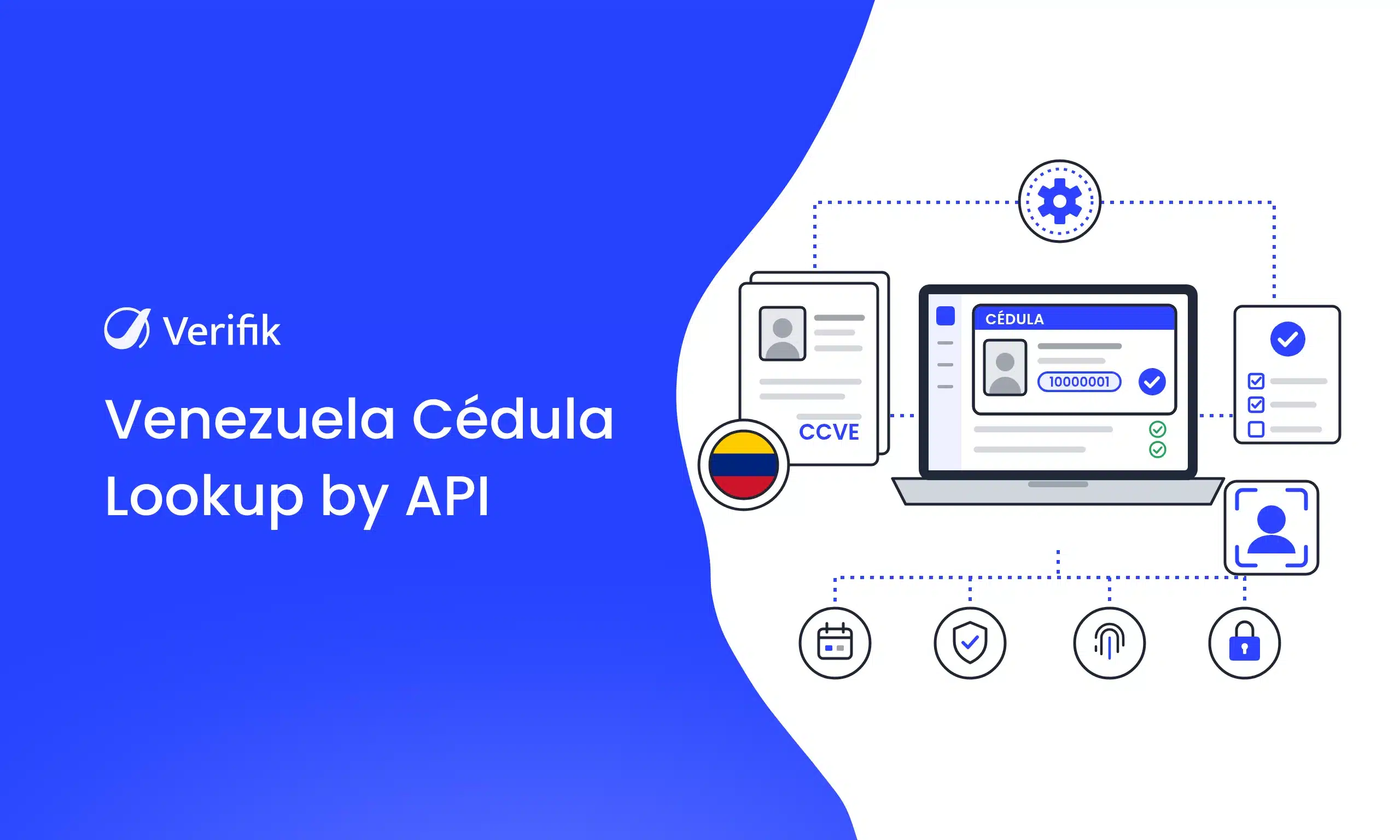
Short answer: To look up a Venezuelan cédula by API, send a GET request to https://api.verifik.co/v2/ve/cedula with the documentNumber parameter. Verifik returns the full name, first names, last names and document type (CCVE) and, when available, date of birth, gender and marital status. Each lookup is paid with smartCHECK credits, from $49 per month.
If you onboard Venezuelan customers, employees or couriers, a cédula number on its own doesn’t tell you whether it belongs to the person in front of you. With Verifik’s Venezuelan citizen API you check it in 1 request: the GET /v2/ve/cedula endpoint takes the national cédula number (CCVE) and returns the registered names so you can compare them with what your user declared. For foreign residents holding a CEVE cédula there is a second endpoint, GET /v2/ve/foreigner-id, that works the same way.
This is a technical guide: you’ll see the parameters, the 10 sandbox test numbers, a request and response example taken from the docs, how to handle each error code, and what it costs.
What the Venezuela cédula lookup API returns
According to the docs, the API connects with official government records and responds with a data object that includes:
- Document:
documentType(alwaysCCVEon this route) anddocumentNumber. - Names:
fullName,firstName,lastNameandarrayName, an array with each given name and surname separately. - Optional data:
birthDate(YYYY-MM-DDformat),genderandmaritalStatus. They only appear when available, so your code shouldn’t assume them. - Signature: a
signatureobject with date and time and the message “Certified by Verifik.co”, plus a uniqueidfor the lookup.
In Venezuela, identification procedures for citizens and foreigners are handled by SAIME (Servicio Administrativo de Identificación, Migración y Extranjería). Verifik’s docs refer to “official government data” without naming the source agency, so if your process requires a specific source, confirm it with the Verifik team before you integrate.
CCVE or CEVE: which endpoint to use
Verifik splits the two kinds of Venezuelan cédula into separate routes. Neither takes documentType: the route already sets the type.
- Venezuelan nationals (CCVE, Cédula de Identidad):
GET https://api.verifik.co/v2/ve/cedula. Returns names and, when present, date of birth, gender and marital status. - Foreign residents (CEVE, Cédula de Identidad de Extranjero):
GET https://api.verifik.co/v2/ve/foreigner-id. Returns the name fields anddocumentType: "CEVE". More in the foreigner ID docs.
The rule for your form is simple: ask first whether the person is a Venezuelan national or a foreign resident. Nationals go to /v2/ve/cedula; foreign residents go to /v2/ve/foreigner-id.
How to look up a Venezuelan cédula with the Verifik API
You need your Verifik token and 1 required parameter:
documentNumber: the cédula number. The API strips dots and spaces, so10.000.001and10000001are treated the same.
Here is the Python example from the docs:
import os, requests

url = "https://api.verifik.co/v2/ve/cedula"
headers = {"Accept": "application/json", "Authorization": f"Bearer {os.getenv('VERIFIK_TOKEN')}"}
params = {"documentNumber": "10000001"}
r = requests.get(url, headers=headers, params=params)
print(r.json())
And this is the structure of the 200 response with optional fields shown in the docs (personal data masked):
{
  "data": {
    "arrayName": [
      "NAME1",
      "NAME2",
      "SURNAME1",
      "SURNAME2"
    ],
    "birthDate": "1998-03-01",
    "documentNumber": "********",
    "documentType": "CCVE",
    "firstName": "NAME1 NAME2",
    "fullName": "NAME1 NAME2 SURNAME1 SURNAME2",
    "gender": "FEMENINO",
    "lastName": "SURNAME1 SURNAME2"
  },
  "signature": {
    "dateTime": "November 13, 2025 8:12 PM",
    "message": "Certified by Verifik.co"
  },
  "id": "GGLIK"
}
Want to try it with your own cases? Create your free Verifik account and run your first lookup in sandbox.
Sandbox and error codes
Before going live you can test every path with fixed sandbox numbers:
- 10 stable numbers:
10000001through10000010. 90040401: returns 404{"code":"NotFound","message":"Record not found."}.90050001: returns 500{"code":"InternalServerError","message":"Server error."}.
These are the other documented errors and what to do with each:
- 401 UNAUTHORIZED (“Authentication required”): the token is missing or invalid. Check the
Authorization: Bearerheader. - 403 FORBIDDEN (“Access forbidden”): your account has no access to the route. Ask Verifik to enable it.
- 404 NotFound (“Record not found.”): there is no record for that number. Ask the user to confirm the cédula or send the case to manual review; don’t reject it automatically.
- 409 MissingParameter (“missing documentNumber”): you didn’t send the number.
- 409 Endpoint_out_of_service: the service is temporarily unavailable. Retry later or put the onboarding on hold instead of blocking the user.
- 500 InternalServerError: server error. Retry with backoff.
Business rules for your onboarding
- Name match: compare
fullNamewith the name your user typed. UsearrayNameto tolerate different order, omitted middle names or accents. - Minimum age: if
birthDateis present, compute the age; if it isn’t, ask for other proof instead of assuming it. - Document type: store
documentType(CCVE or CEVE) with the case file so you know which route was used. - Evidence: keep the
idandsignatureof each response.
For a fuller KYC flow, also see how Verifik handles Venezuelan ID verification for businesses, the Venezuela foreigner ID, the Colombian cédula de ciudadanía (useful if you serve users in both countries) and Colombian foreigner IDs.
Personal data: what Verifik’s terms say
Name, date of birth and marital status are personal data. The smartCHECK terms and conditions state that when you look up a third party’s information, your company acts as the Controller of the personal data and Verifik as the Processor. In that case you must:
- Collect, store, use, circulate and delete the data in compliance with applicable law.
- Request authorization from each data subject and retain proof of it.
- Inform Verifik of updates, rectifications, revocation of authorization and deletion requests.
Verifik may terminate the service if these obligations aren’t met. This article isn’t legal advice: check your use case with your legal team.
How much a Venezuelan cédula lookup costs with Verifik
Each lookup is deducted from your smartCHECK plan credits. According to the smartCHECK pricing page:
- Starter: $49 per month, or $490 per year with $588 in credits.
- Basic: $129 per month, or $1,290 per year with $1,548 in credits.
- Plus: $299 per month, or $2,990 per year with $3,588 in credits.
- Business: $649 per month, or $6,490 per year with $7,788 in credits.
Annual plans include 2 free months, and smartCHECK brings together more than 90 APIs from more than 15 countries. The page doesn’t publish a per-lookup price for this endpoint; if you need the exact cost per request, ask for it when you book a meeting.
Quick answers
What do I need to look up a Venezuelan cédula by API? A Verifik token and the cédula number. You send it as documentNumber to GET /v2/ve/cedula.
Which endpoint do I use for a foreign resident’s cédula? GET /v2/ve/foreigner-id, which works with CEVE cédulas. Venezuelan nationals’ cédulas (CCVE) go through /v2/ve/cedula.
Does the API return the date of birth? When available, yes: birthDate comes in YYYY-MM-DD format, along with gender and maritalStatus. They aren’t always present.
Which numbers can I use for testing? In sandbox, 10000001 through 10000010 are fixed; 90040401 returns 404 and 90050001 returns 500.
What does the 409 Endpoint_out_of_service error mean? The service is temporarily unavailable. Retry later and don’t treat it as an invalid cédula.
Start looking up Venezuelan cédulas today
Automating cédula lookups saves you manual reviews and leaves a signed response for every check. Read the endpoint documentation and try the 10 sandbox numbers.
Ready to start? Create your free Verifik account or book a demo to see how to add cédula validation to your onboarding.